To Begin Using the Console 33
500ML Lighting Control Console
Operation Guide
Keyboard Settings
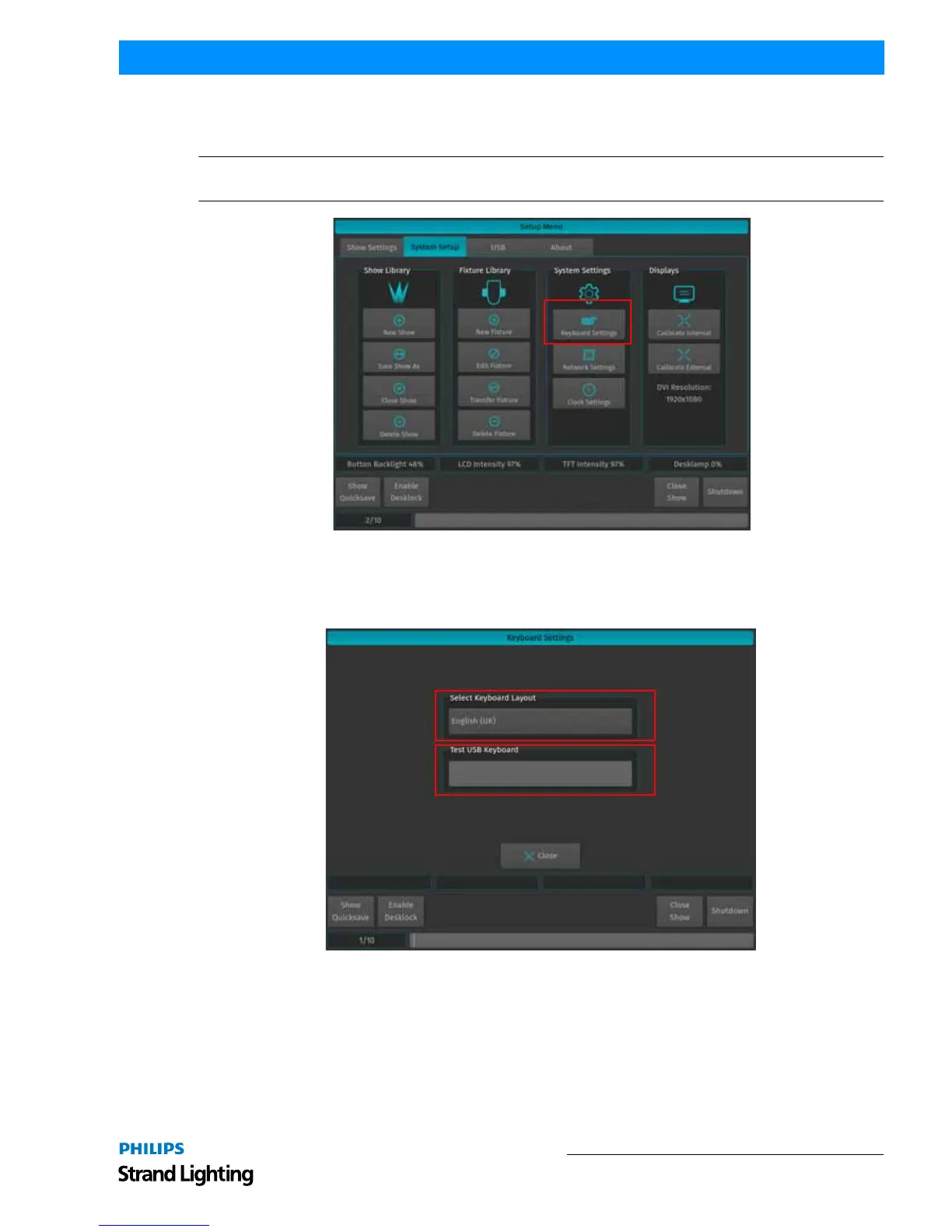
From within the System Setup Tab, select Keyboard Settings to open the settings window.
Note: This setting is for external USB keyboard (by others) settings only. Changing this setting does not affect the
on-screen keyboard.
Figure 44: Keyboard Settings Button
The Keyboard Settings dialog as shown in may now be used to change the systems language to match your USB
keyboard (by others). Select the appropriate setting from the drop-down box. You can use the Test field to test and
verify the setting. As soon as you are done, click on Close.
Figure 45: Keyboard Settings Window



 To Next Page