Operation Guide 500ML Lighting Control Console
24 BASIC CONCEPTS
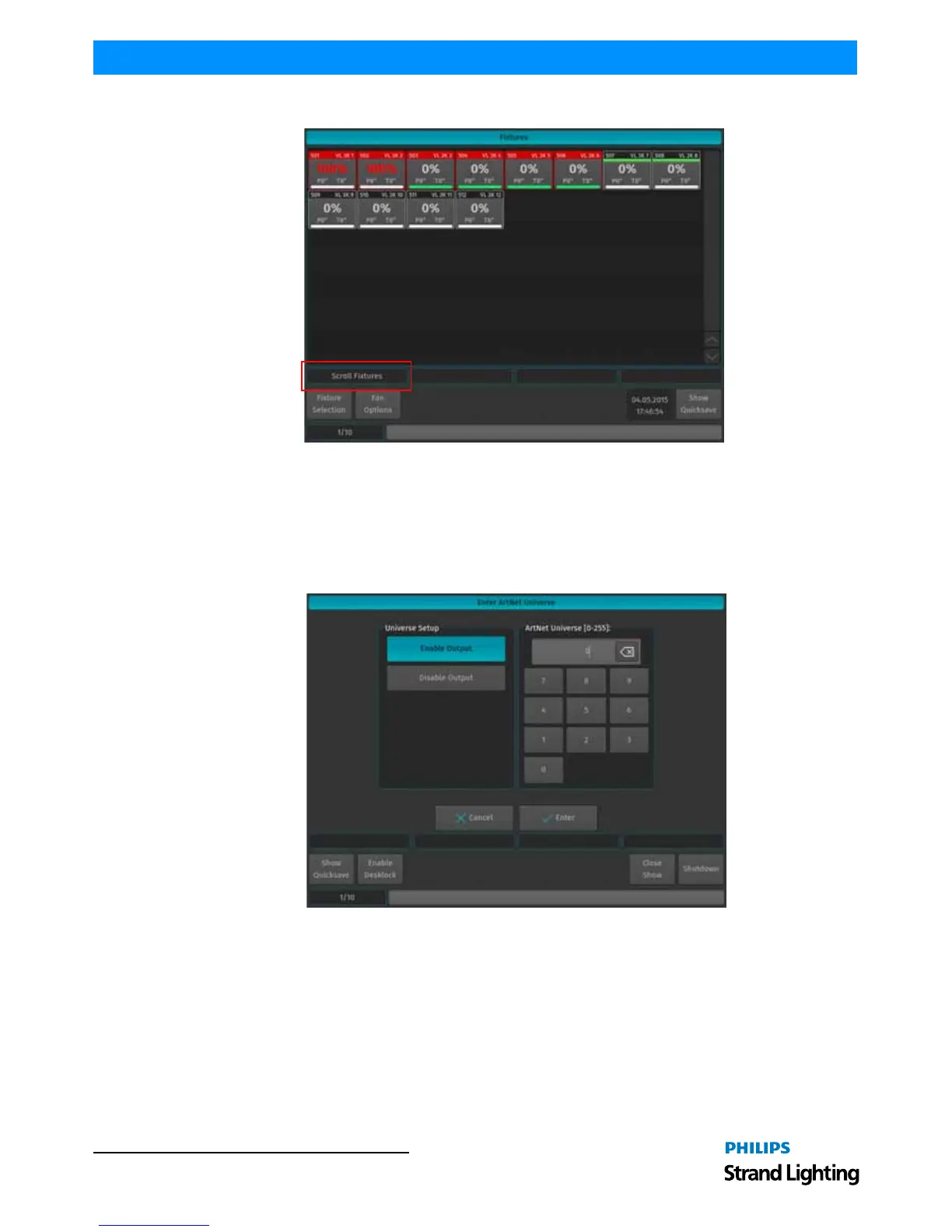
Figure 25: Fixture Level View - Scroll Fixtures Example
Keypad Dialogs
Whenever a Keypad Dialog is shown, the keypad on the faceplate of the console or the multifunctional wheel may be
used to set values. The multifunction wheel will increment or decrement values; the keypad may be used to directly
enter values or to increment / decrement values using the [+], or [-] Key. [ENTER] closes the dialog.
Figure 26: Keypad Dialog Example



 To Next Page