Show Files 43
500ML Lighting Control Console
Operation Guide
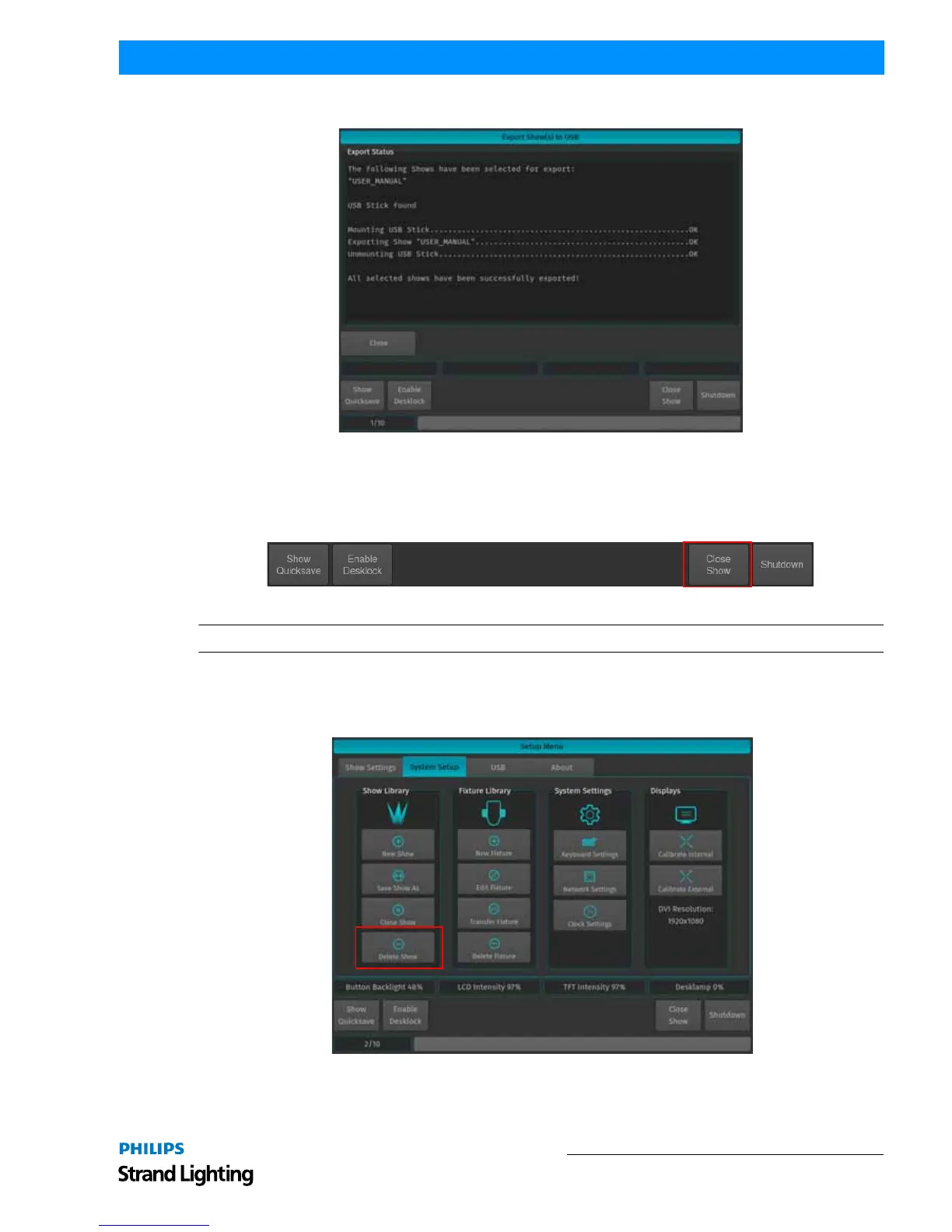
When the process finished successfully, click on the Close button as indicated in Figure 63.
Figure 63: Export Show(s) to USB Screen - Export Completed
Closing a Show
To load a show (as described in "Loading an Existing Show" on page 38), you must close any open shows. Do this by
pressing [SETUP] and then pressing the Close Show button on the Setup Toolbar (Figure 64).
Figure 64: Setup Toolbar - Closing a Show
Note: If there are no shows loaded, the 500ML Lighting Control Console will not output DMX.
Deleting Shows from Console Memory
From the Welcome Screen hit the Settings button. Once the window opens select to the System Setup tab. Then, hit
the Delete Show button as shown in Figure 65.
Figure 65: Setup Menu - Delete Show



 To Next Page