Operation Guide 500ML Lighting Control Console
136 Programming
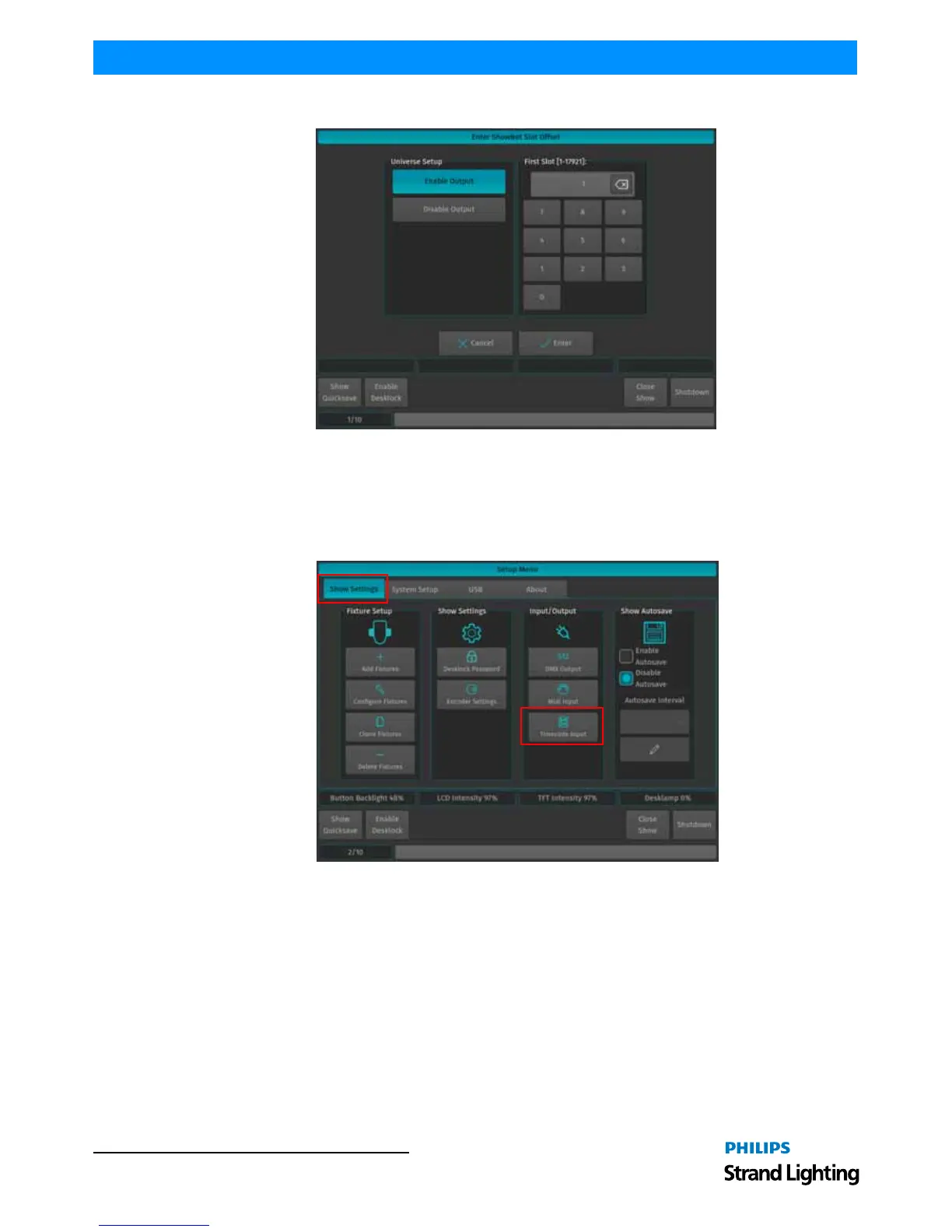
Figure 248: Enter ShowNet Slot Offset Screen
Timecode Input
To set up the Timecode Input, open the Setup Menu by pressing the [SETUP] key, head over to the Show Settings Tab
and select Timecode Input from the Input / Output Groupbox.
All Timecode settings are stored inside the Showfile.
Figure 249: Setup Menu - Show Settings / Timecode Input
Timecode Setup
Internal Timecode
Should you wish to use the internal Timecode, set the Timecode Source to Internal Generator. You may now define
the frame rate and the Start and Stop Time of the internal timecode. The stop time is used to either stop the timecode
as soon as it reaches set time or to loop (if enabled) the timecode. Looping the timecode will cause the timecode to
jump back to the start time.
Generated Timecode will be outputted via the MIDI Out connector.



 To Next Page