Fixture Library Editor 153
500ML Lighting Control Console
Operation Guide
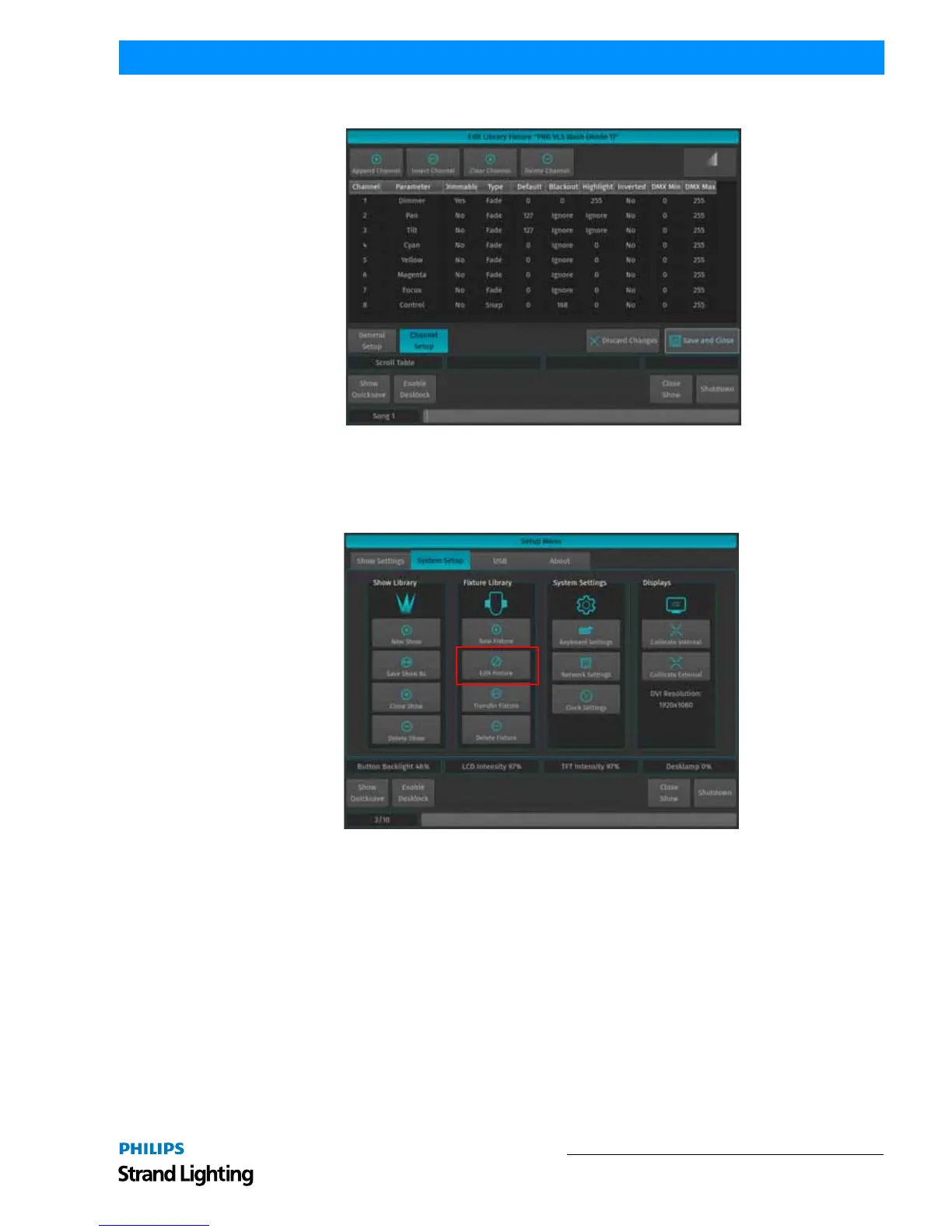
Figure 278: Library Editor
Add a new Fixture to the Library
To edit an existing fixture library, click on New Fixture contained in the Fixture Library Groupbox as indicated In
Figure 279.
Figure 279: System Setup Tab



 To Next Page