Operation Guide 500ML Lighting Control Console
40 OPERATION
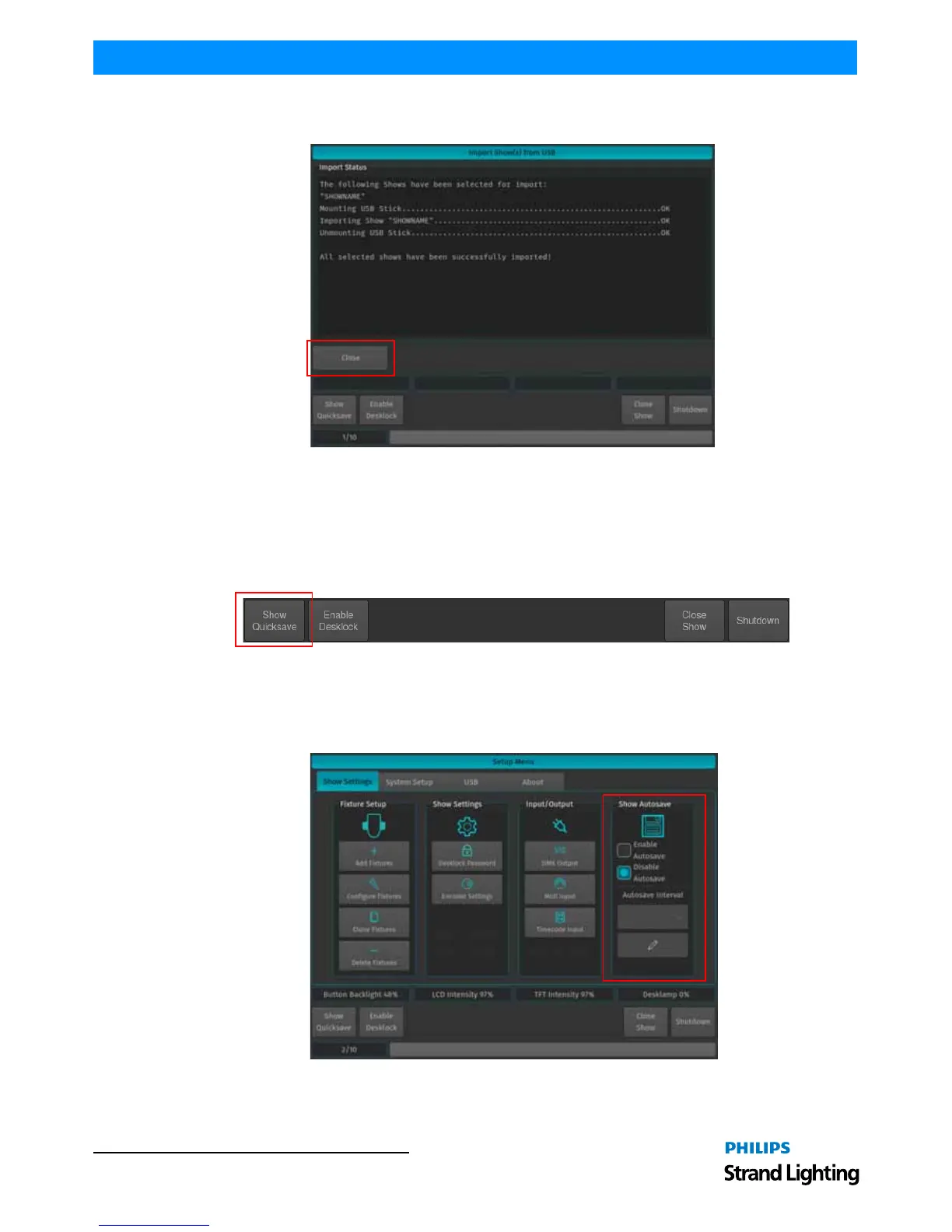
After the loading process begins, the Import Status box will now display the import process. After the process
finished, click on the Close button.
Figure 57: Import Show(s) from USB - Import Status of Selected Shows - Completed
4. Show Files
Show Quicksave
We recommend to save your show frequently to insure information is not lost in case of a power loss, interruption,
etc. You may do this by pressing [SETUP] and hitting the Show Quicksave button on the Setup Toolbar.
Figure 58: Setup Toolbar - Show Quicksave
Show Autosave Feature
The 500ML console offers a Show Autosave feature that will make sure your showfile is automatically saved in the
console in a defined interval. Users have the option of disabling this feature as well.



 To Next Page