To Create or Load a Show 39
500ML Lighting Control Console
Operation Guide
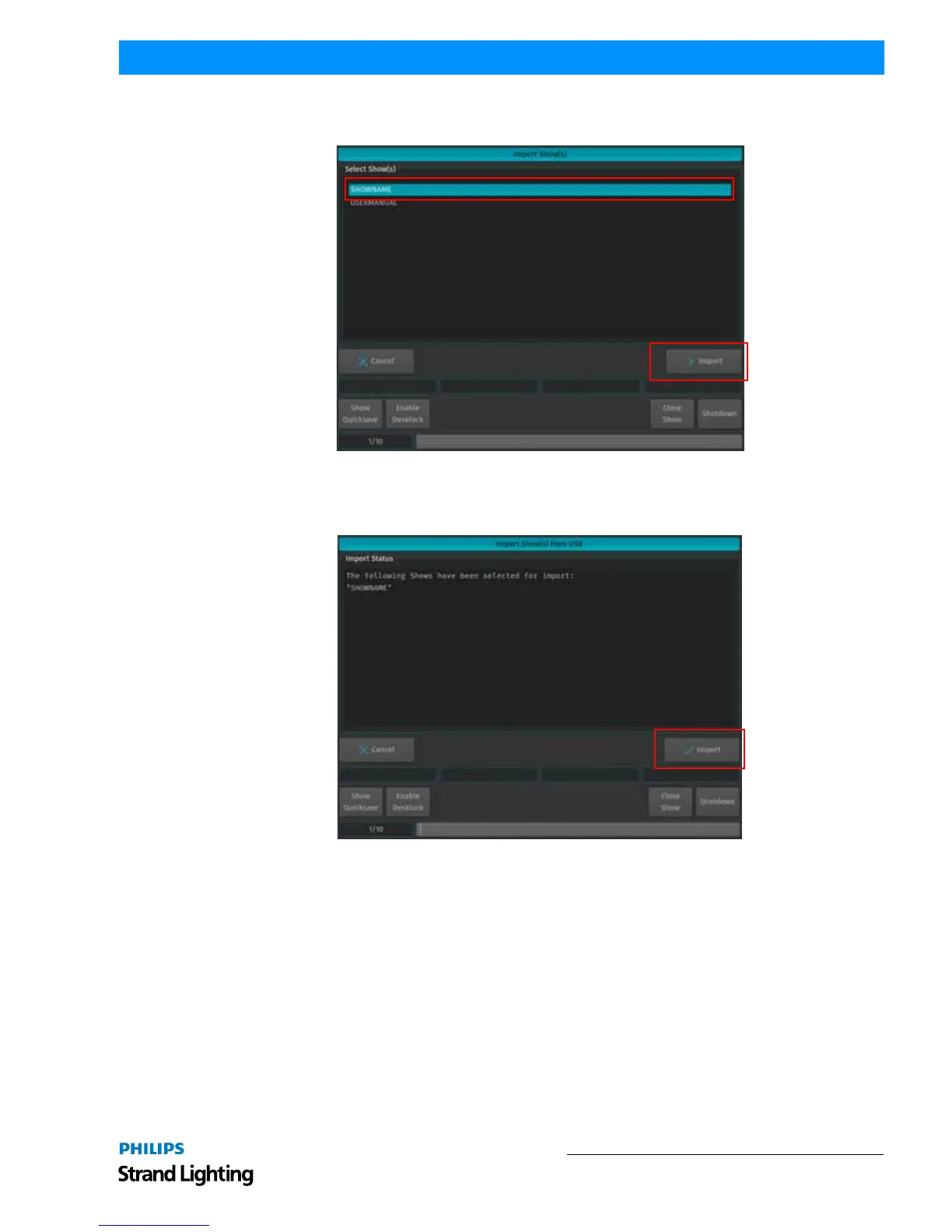
A list of shows will appear. Select the show or shows you would like to import and hit the Import button on the
touchscreen display.
Figure 55: Select Show to Import
A confirmation screen will appear with a brief summary of the show or shows to be imported as displayed in Figure
56. Click on Import button to start the process of loading the show(s).
Figure 56: Import Show(s) from USB - Import Status of Selected Shows



 To Next Page