Operation Guide 500ML Lighting Control Console
126 Programming
Assigning a Speedmaster
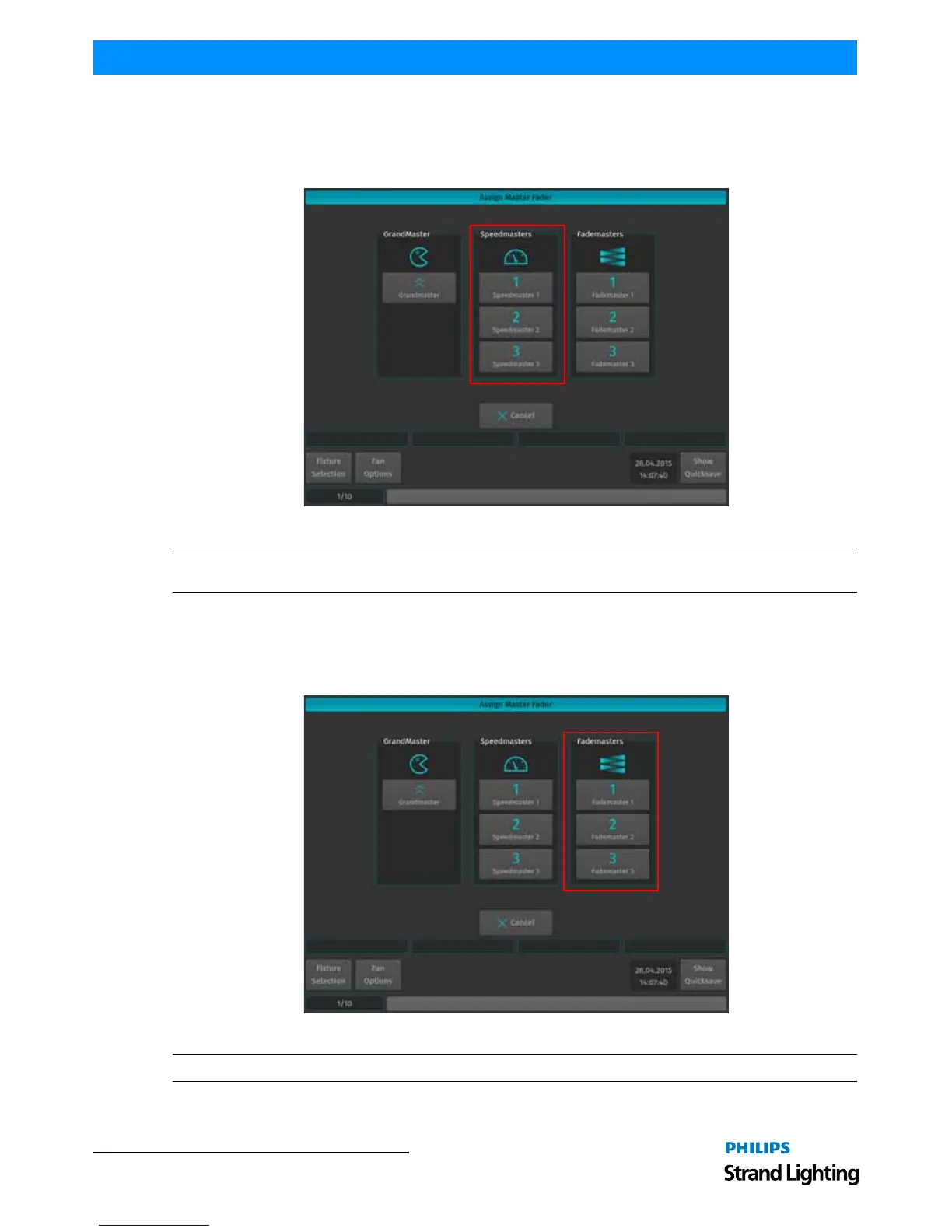
Press the [ASSIGN] key, followed by the [GO], or [PAUSE/BACK] key of the fader that should act as the
Speedmaster. A window will open, asking you what to assign to this master. Select one of the three different
Speedmasters.
Figure 231: Assign Master Fader Window - Speedmasters
Note: For more information on configuring cuelists to listen to a Speedmaster, please see "Master Speeds" on page
129.
Assigning a Fademaster
Press the [ASSIGN] key, followed by the [GO], or [PAUSE/BACK] key of the fader that should act as the
Fademaster. A window will open, asking you what to assign to this master. Select one of the three different
Fademasters.
Figure 232: Assign Master Fader Window - Fademasters
Note: For more information on configuring cuelists to listen to a Fademaster, please see "Master Fades" on page 130.



 To Next Page