Operation Guide 500ML Lighting Control Console
172 MAINTENANCE
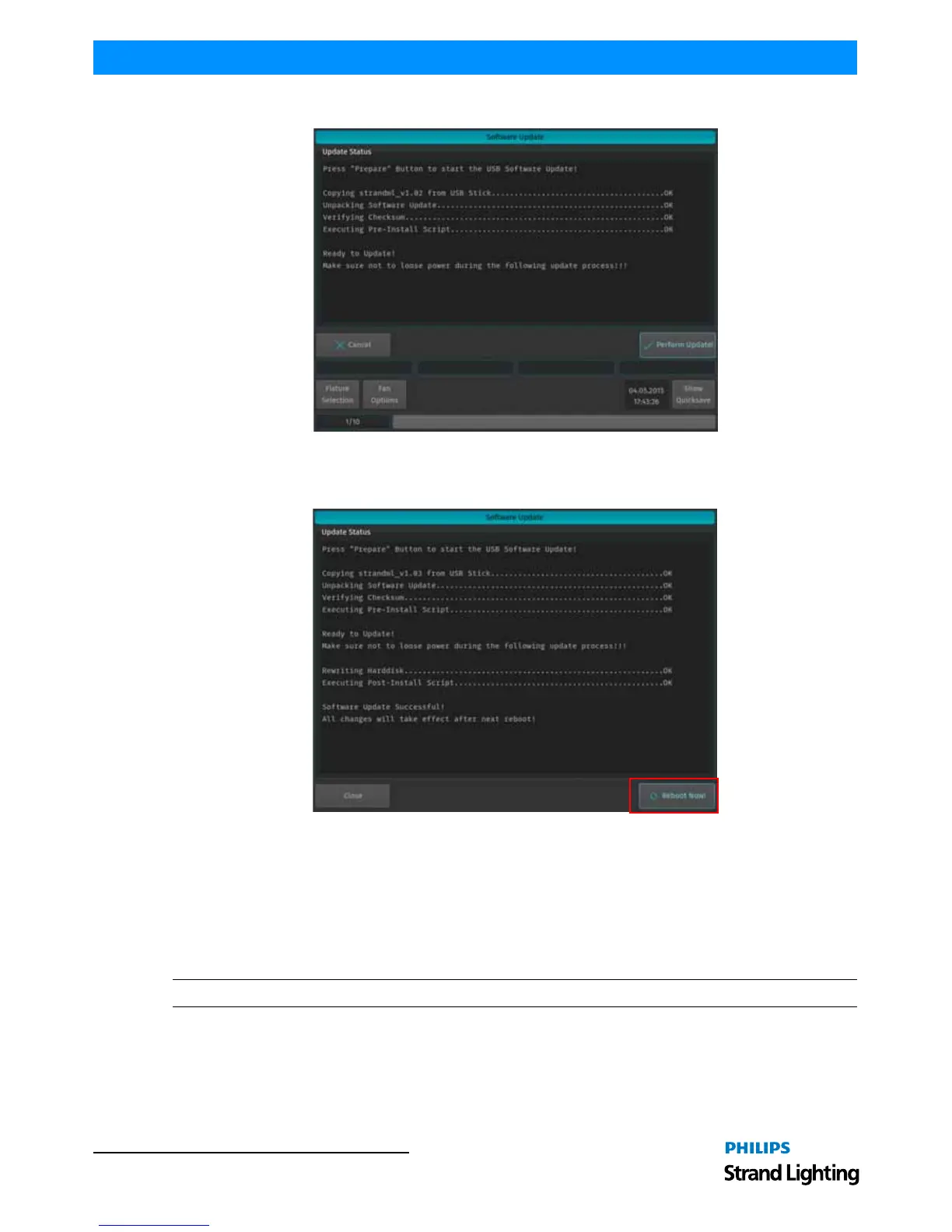
Figure 314: Software Update Window - Preform Update
Once the process is completed, you will be prompted to reboot the console. Click the Reboot Now! button as shown
in Figure 315.
Figure 315: Software Update Window - Reboot Now
3. Calibrating Touchscreens
Calibrating Internal Console Touchscreen
Sometimes it may be necessary to recalibrate the internal touchscreen.
To do this, as illustrated in Figure 316 on page 173, access the Setup Menu by pressing [SETUP] and select the
System Setup tab. Click on Calibrate Internal.
Note: You may also use a USB mouse (not supplied, by others) attached to the console.



 To Next Page