Operation Guide 500ML Lighting Control Console
154 Programming
Start a Fixture from Scratch
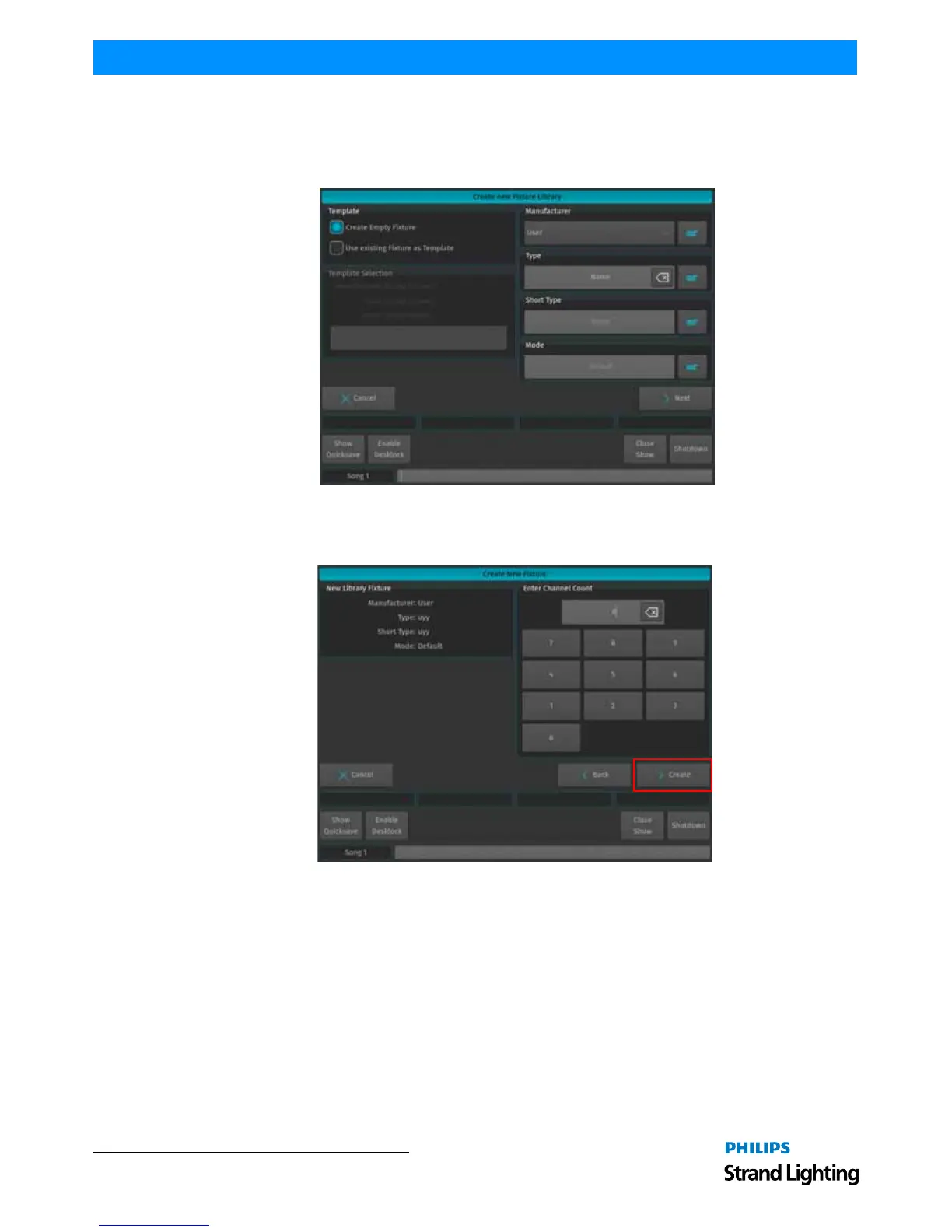
A screen asking a few questions in regards to the new fixture will be shown. You need to specify the Manufacturer,
Fixture Type, Short Type and Fixture DMX Mode. In order to create a fixture from scratch, make sure Create Empty
Fixture is selected. Click on Next when done.
Figure 280: Create New Fixture Library Window
A screen asking you for the amount of DMX Channels the new resulting fixture is having is shown. When done, click
Create.
Figure 281: Create New Fixture: Enter Channel Count



 To Next Page