Operation Guide 500ML Lighting Control Console
80 Programming
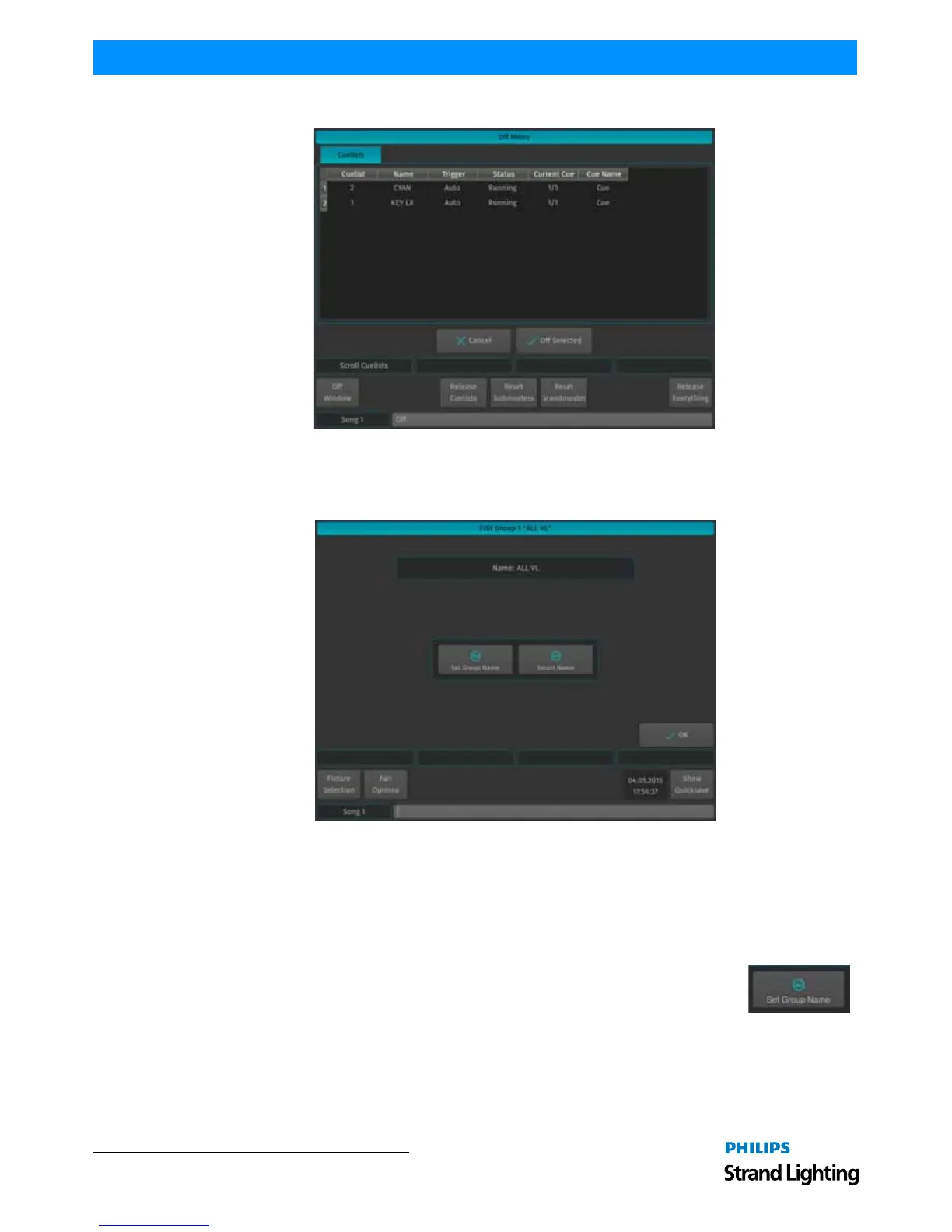
To switch off a Cuelist, select it from the List and press the Off Selected button.
Figure 142: Off Menu Window
Edit Group Window
The Edit Group Window (Figure 143) may be used as a quick way to rename a group and all of the contained fixtures.
Figure 143: Edit Group Window
To open the Edit Group Window, type [EDIT] [GROUP], followed by the ID of the group you would like to edit, eg.
[31]. Finish the command by pressing [ENTER].
Alternatively, you may use the Group Pool window to select the Group:
Press the [GROUP] key whilst holding down the [EDIT] key. Select the Group you would like to edit.
Set Group Name
Clicking on the Set Group Name button will open up an on-screen keyboard allowing you to
rename this particular Group.



 To Next Page