Working with Fixtures 69
500ML Lighting Control Console
Operation Guide
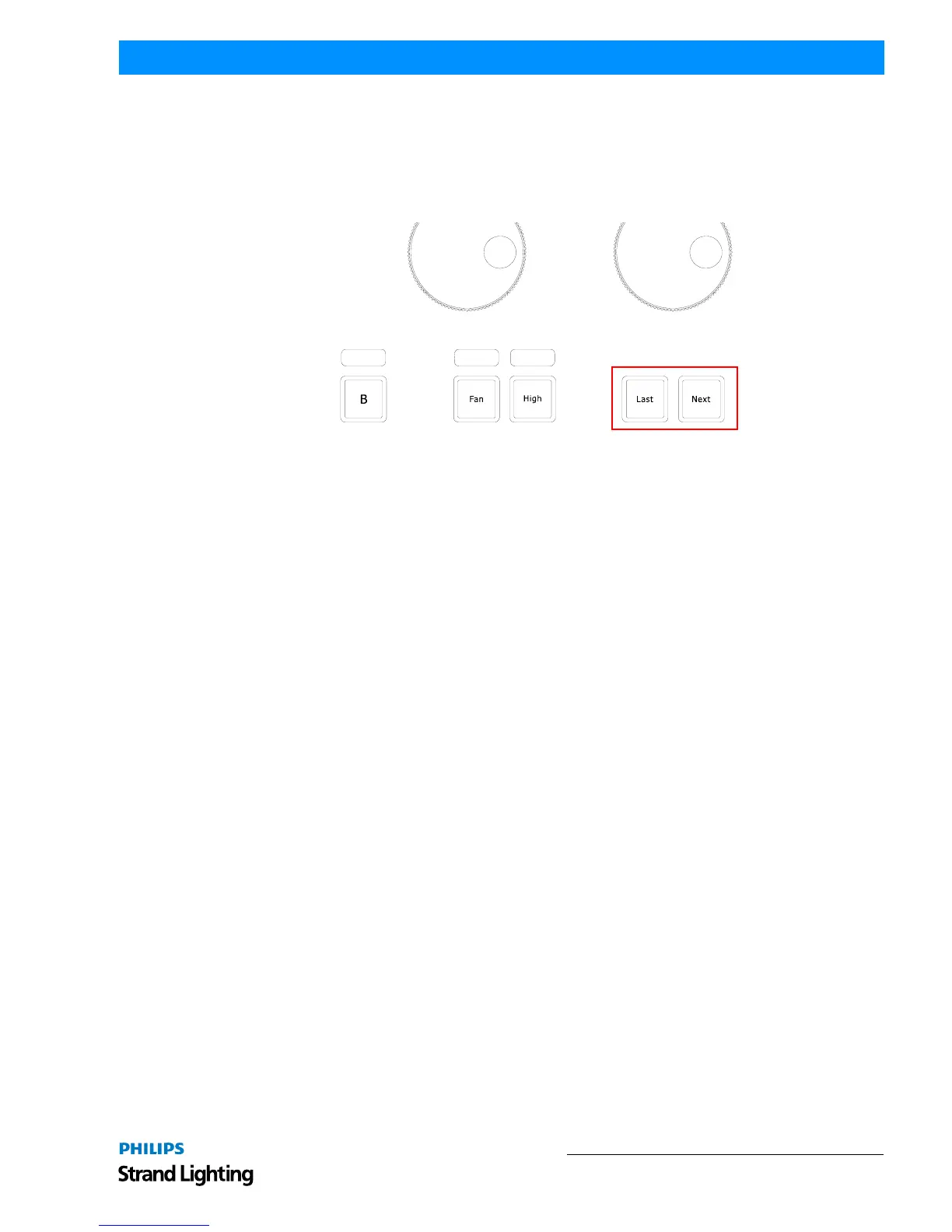
Last and Next Button - Stepping Through Fixtures
Sometimes it is desirable to step through the fixtures one by one at a time, especially when used in combination with
the "Highlight" function to be able to quickly and easily focus a large number of lights in series.
This may be accomplished by using the [LAST] or [NEXT] keys on the faceplate. Each press on one of the keys will
sub-select a single fixture from within the current selection. Repeatedly pressing [Last] or [Next] steps backwards or
forwards through the current selection, with the order determined by the Selection Order.
Figure 119: 500ML Console - Command / Programming Keys
Selecting Fixture X out of Y
The console offers a built in modulo sub-selection function that allows the selection of every Xth fixture out of Y.
The syntax is uses [.] [.] for the "out of" portion of the command.
In the following example, we are going to select every first fixture out of every three fixtures:
1) To select fixtures 501 to 512:
2) Type [1][.] [.] [3] [ENTER] on the keypad.
3) To select every second fixture out of three, type [2][.] [.] [3] [ENTER]
4) To select every third fixture out of three, type [3][.] [.] [3] [ENTER]
Please note you may also combine the modulo function with more advanced functions:
1) Select fixtures 501 to 512
2) Type [1] [+] [2] [.] [.] [3] [ENTER] on the keypad translates into "Select each first and second fixture out of
three".
Or:
1) Select fixtures 501 to 512
2) Typing [1] [THRU] [3] [+] [5] [.] [.] [5] [ENTER] on the keypad translates into "Select each first through
third and fifth fixture out of five fixtures".
Assigning Names to Fixtures
You may decide between different ways should you wish to rename your fixtures to make them more identifiable
within the Fixture Pool, programmer and fixture configuration dialogs.
Assigning Name Using Fixture Pool Window
• Simultaneously press the [FIXTURE] and [ASSIGN] keys. The Fixture Pool window will open.
• The command line will still read Assign.
• Press the [ASSIGN] key again. The command line will read Name.
• Select the fixture you wish to rename from within the Fixture Pool Window (see "Selecting / Deselecting Fixtures
Using Fixture Pool Window" on page 65).



 To Next Page