Operation Guide 500ML Lighting Control Console
64 Programming
The selection order matters during programming and is recorded as part of groups, but is not recorded in presets or
cues.
Note: Because the 500ML console records the selection order as part of groups, you can select the group and use the
Next and Back keys to sub-select each fixture in a particular order. By controlling the selection order when you
record the group, you can work through a series of fixtures in the order they are physically positioned in the rig,
instead of in numerical order. If used in a controlled manner, this can be a very powerful way to generate very nice
effects as well.
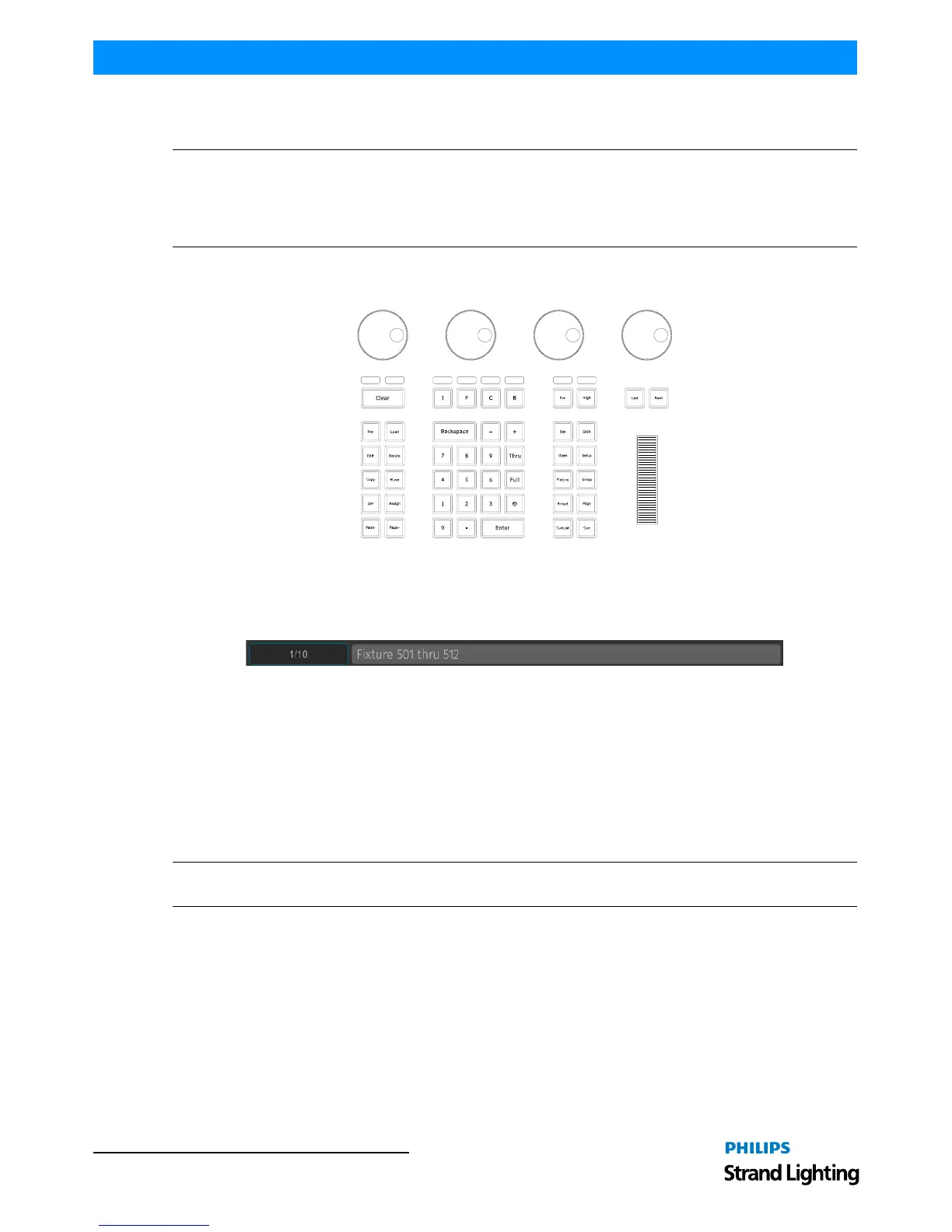
Selecting Fixtures Using Keypad / Command Line
Figure 107: 500ML Console - Command / Programming Keys
To select fixtures using the command/programming keys, simply do so by typing their user numbers as assigned in
"Adding Fixtures to a Show" on page 47. You may use the [THRU], [+] and [-] keys to further extend your selection
to include some or all fixtures.
Figure 108: Command Line Interface - Fixture Selection
Fixture selection examples:
• [501] [THRU] [ENTER] will select all fixtures following fixture 501 until a different fixture type starts, or a gap in
the numbering scheme is detected.
• [501] [+] [502] [ENTER] will select fixtures 501 and 502.
• [501] [THRU] [510] [ENTER] will select all fixtures from fixture 501 to 510.
• [501] [THRU] [510] [-] [503] [ENTER] will select all fixtures from fixture 501 to 510 except 503.
Note: You do not need to press the [Fixture] key prior to the fixture numbers, as the console assumes you will select
a fixture when entering numbers. To deselect all fixtures, just type [0] [ENTER] on the keypad.
The keypad does also have special functions for extended fixture sub-selection which can be applied on your current
selection. Refer to "Fixture Sub-Selection" on page 66 for more information.



 To Next Page