Operation Guide 500ML Lighting Control Console
90 Programming
Fanning (Spreading) Values Across Fixtures
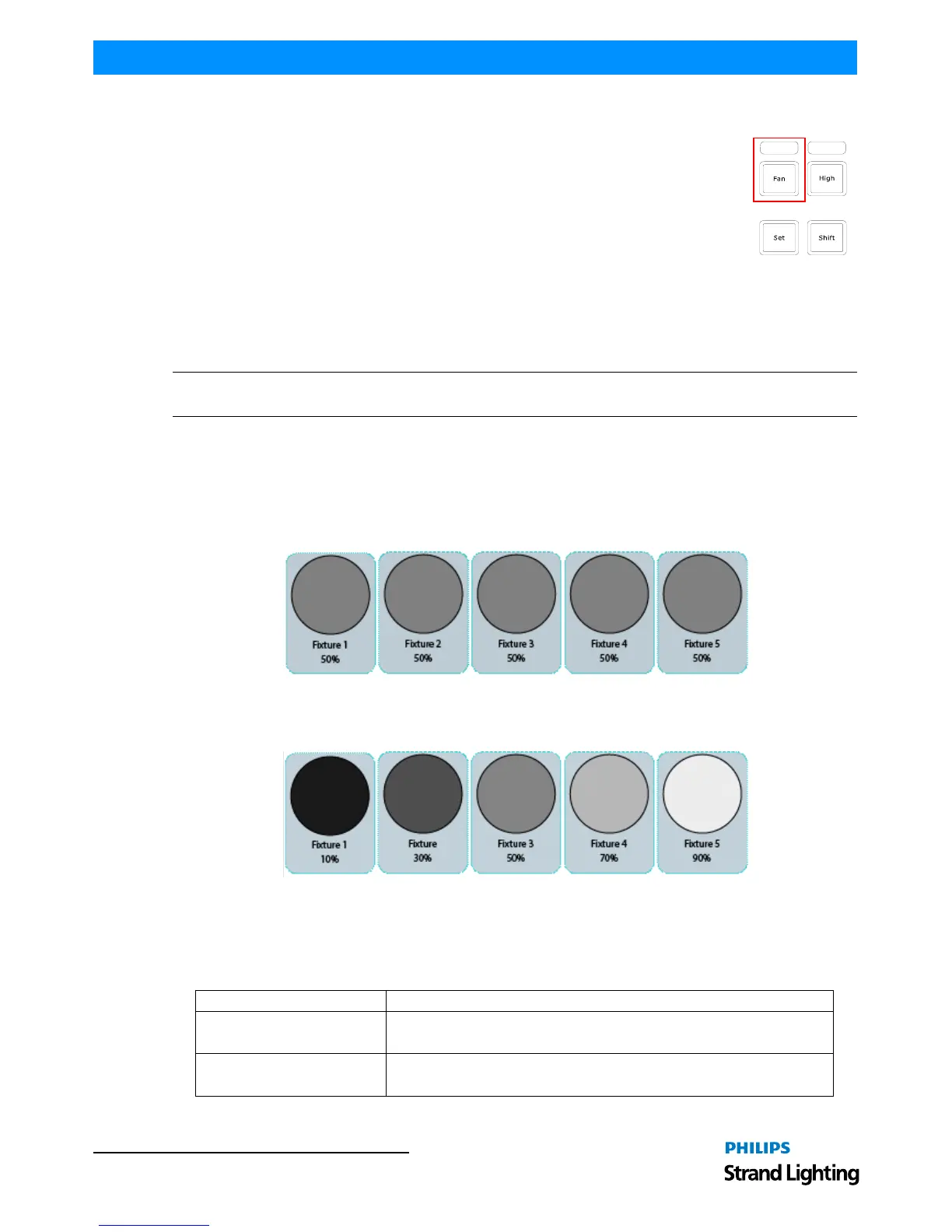
Fanning is a very useful function used to spread values across a range of fixtures. A quick way to
fan intensity values is described in "Altering Intensity (Dimmer Values) Using Keypad" on page
86. The fanning engine of the 500ML console does not stop there.
Fanning of values may be applied to any fixture attribute, and to effect offsets, size, speed, and
duty cycle. The default Fan Settings should have most situations covered, but they may be
changed using the Fan Options toolbar.
To activate fanning of attributes, press the [FAN] key on the consoles faceplate. The LED above
the [FAN] button will light up to indicate the fan functions status. The fan function will remain
active until you press the button again. However, if you keep holding the [FAN] button for a longer amount of time,
the Fan Function will only be turned on while maintaining a button press.
Bear in mind that the fixture selection order is important when fanning. For more information please see "Selection
Order" on page 63.
Note: Take care when choosing the initial base value for the fan, as the attribute values can neither go below 0%, nor
higher than 100%. Make sure there is enough of the value range left for the value to fan.
Fan Any Value using Encoders
Fanning using the Encoders for value entry will always use the current value that is output of a parameter as base
point. All values will be fanned relatively from that base point.
To fan an attribute in the programmer, or any of the effect parameters in the effect programmer:
1) Select fixtures 501 through 505 and set them to 50% intensity: [501] [THRU] [505] [@] [50] [ENTER]:
2) Hit the [I] attribute group until the first encoder controls the intensity attribute.
3) Press the [FAN] key to toggle the fan function, or hold down the [FAN] Key and slowly turn the Intensity
Encoder.
Fan Intensity Values using Keypad
Dimmer Levels may easily be fanned using the below syntax. Keypad fanning will also take grouping into account.
Table 3: Make sure you have made your fixture selection before entering any of the commands below. Press the
[ENTER] key to execute each command:Keypad Value Syntax Entry
Keypad Entry Meaning
[@] [FULL] Will set the selected fixtures to 100%
[@] [@] Will set the selected fixtures to 100%



 To Next Page