Operation Guide 500ML Lighting Control Console
146 Programming
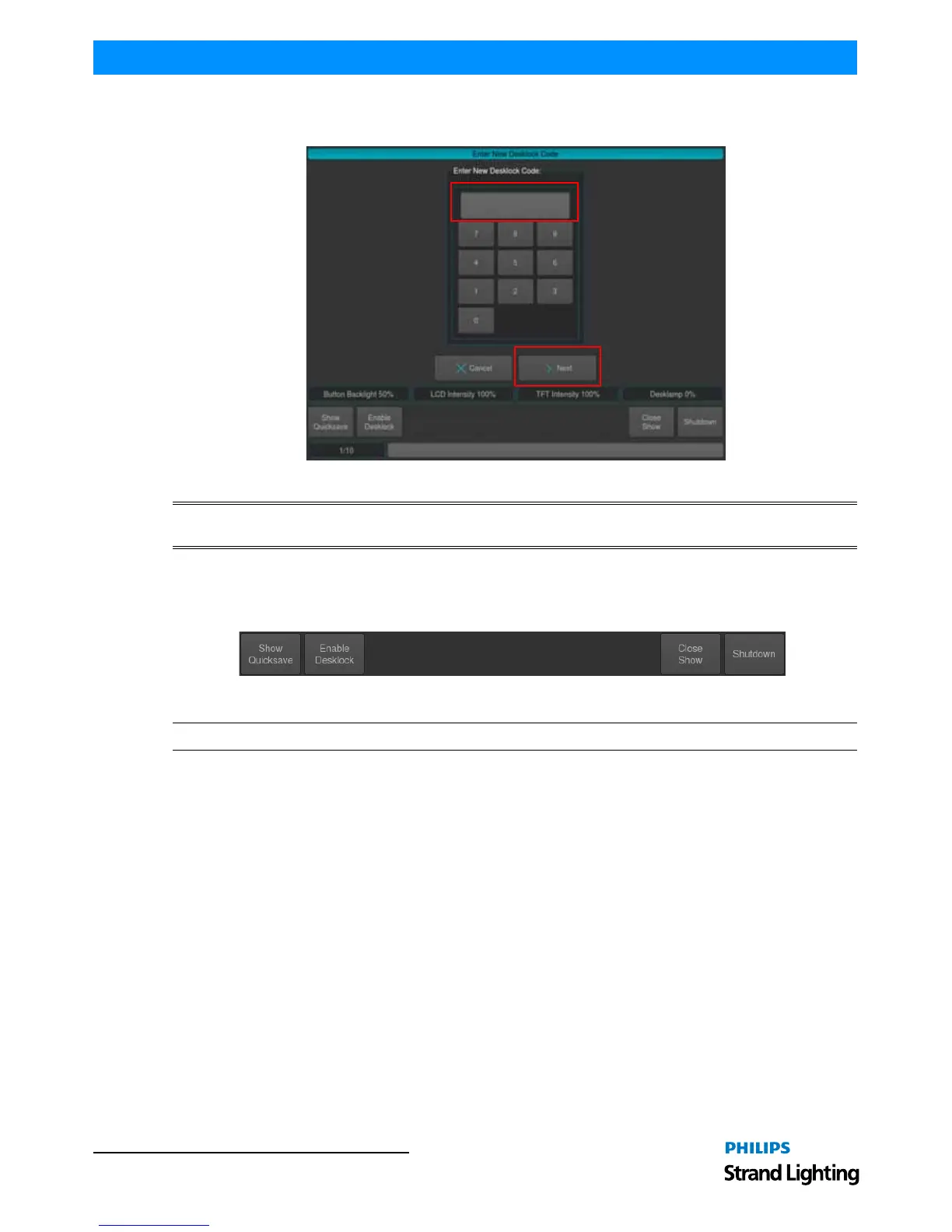
before you can proceed with changing the PIN. Once you are done, proceed through the steps in the wizard by
clicking Next until finished.
Figure 263: Enter New Desklock Code Wizard
WARNING! Philips Strand Lighting does not receive or keep user-set PIN codes. Once you establish a PIN code,
write it down and keep it in a safe place in case you forget the PIN code you set.
Locking the Console
To lock the console and prevent any modifications of the showfile or playback, press the [SETUP] key and hit the
Enable Desklock button on the Setup Toolbar (Figure 264).
Figure 264: Setup Toolbar - Enable Desklock Button
Note: Each showfile's default PIN code is "0000" ( zero zero zero zero ).



 To Next Page