Operation Guide 500ML Lighting Control Console
158 Programming
Transfer Fixtures Between Libraries
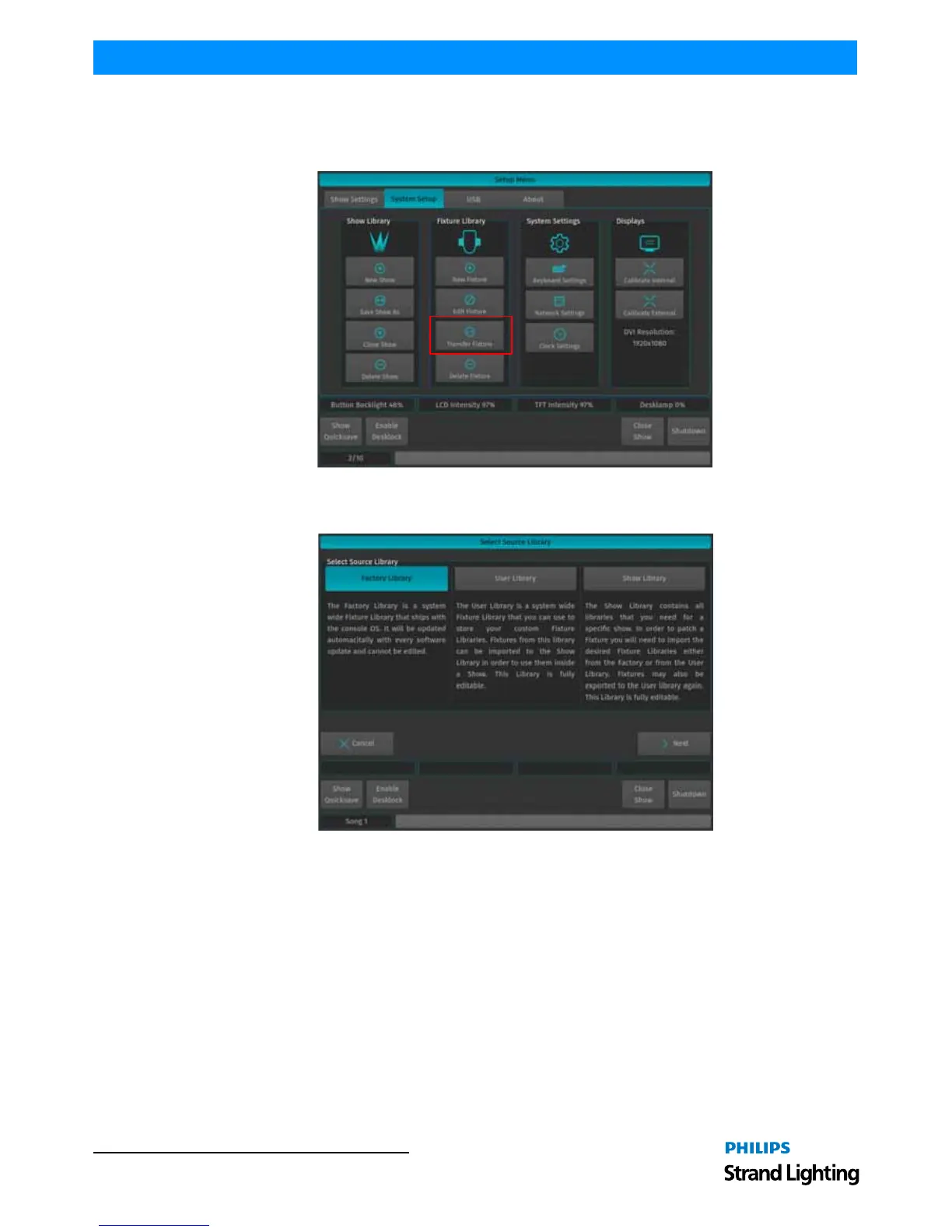
Sometimes the need to transfer fixtures between the different library types may arise. In order to do so, go to the
System Setup Menu and select Transfer Fixture.
Figure 288: System Setup Window - Transfer Fixture Selection
A screen asking for the source Library of the Fixture type is shown. Select the desired Library and click on Next.
Figure 289: Select Source Library



 To Next Page