Fixture Library Editor 159
500ML Lighting Control Console
Operation Guide
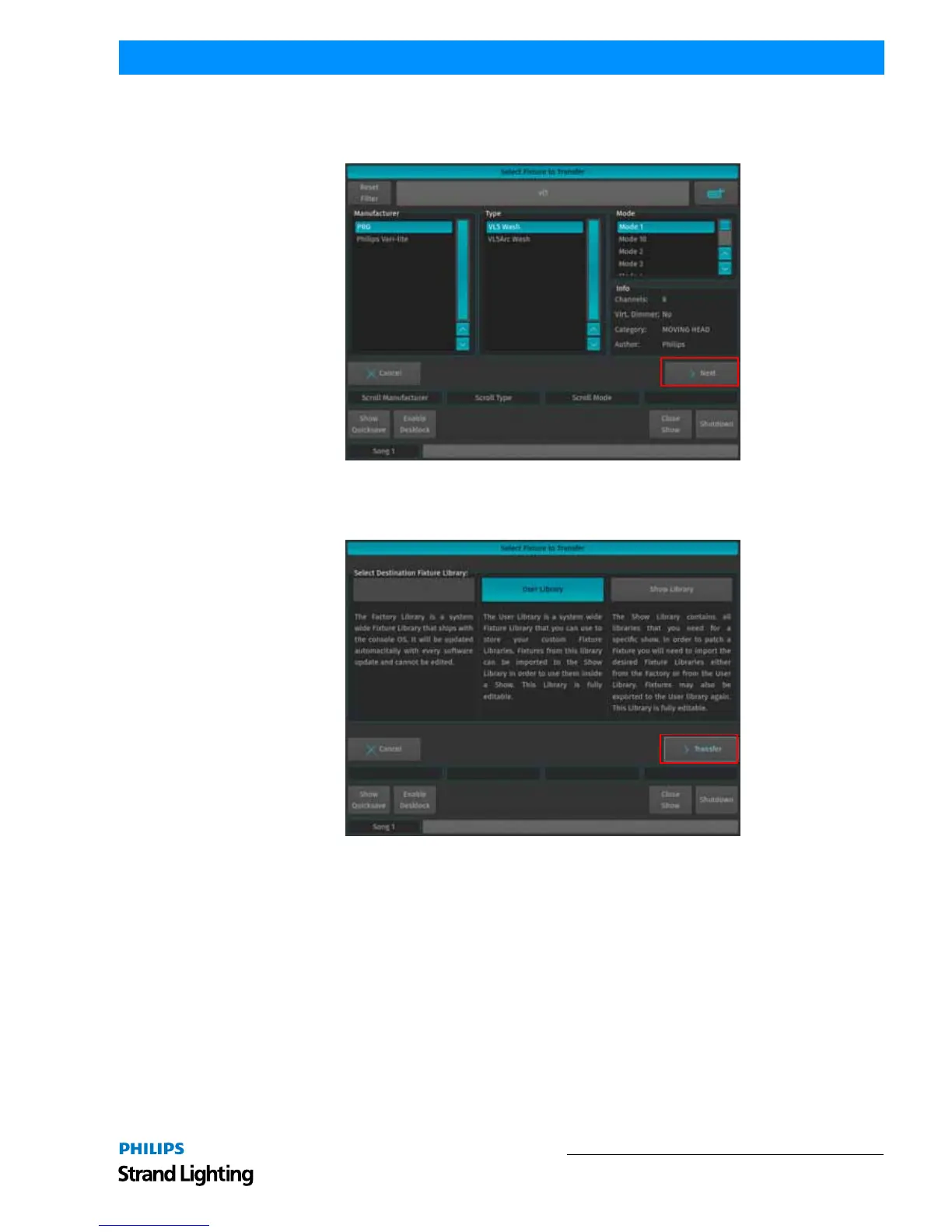
A menu that allows you to pick a fixture type will appear. You may search for fixtures using the filter field shown in
the top part of the screen. Alternatively, you may select the fixture by selecting the Manufacturer, Type and Mode.
Click on Next when done.
Figure 290: Select Fixture Type Screen
A screen asking for the destination Library of the Fixture type is shown. Select the desired Library and click on
Transfer.
Figure 291: Select Destination Library



 To Next Page