Fixture Library Editor 157
500ML Lighting Control Console
Operation Guide
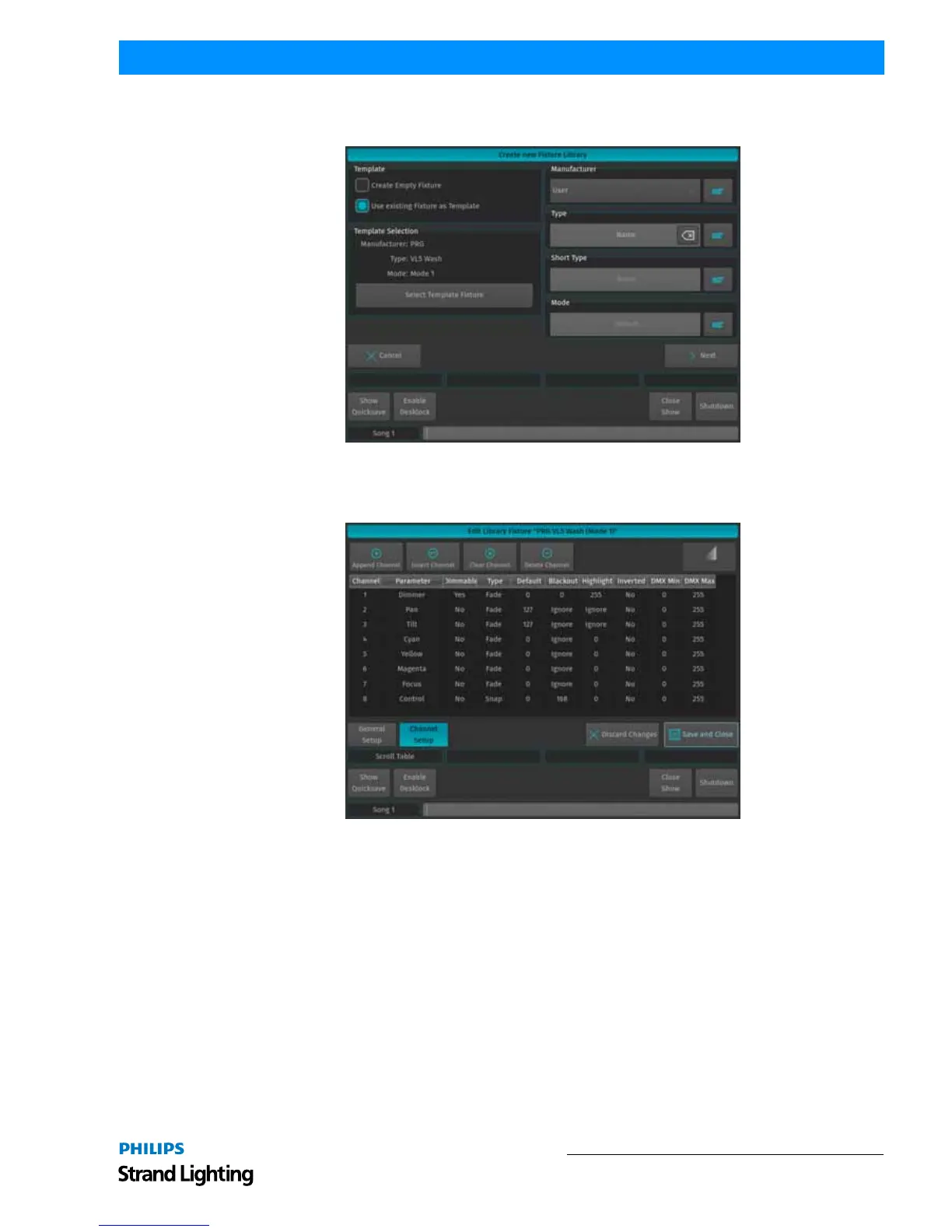
The Create New Fixture Library screen is shown again. Make sure you entered a Manufacturer and Name for the new
Fixture Type and hit the Next button when done.
Figure 286: Create New Fixture Library
The Library Editor (See “Fixture Library Editor” on page 149) will be shown allowing you to make changes to the
fixture type. Click on Save and Close when done.
Figure 287: Library Editor



 To Next Page