Operation Guide 500ML Lighting Control Console
156 Programming
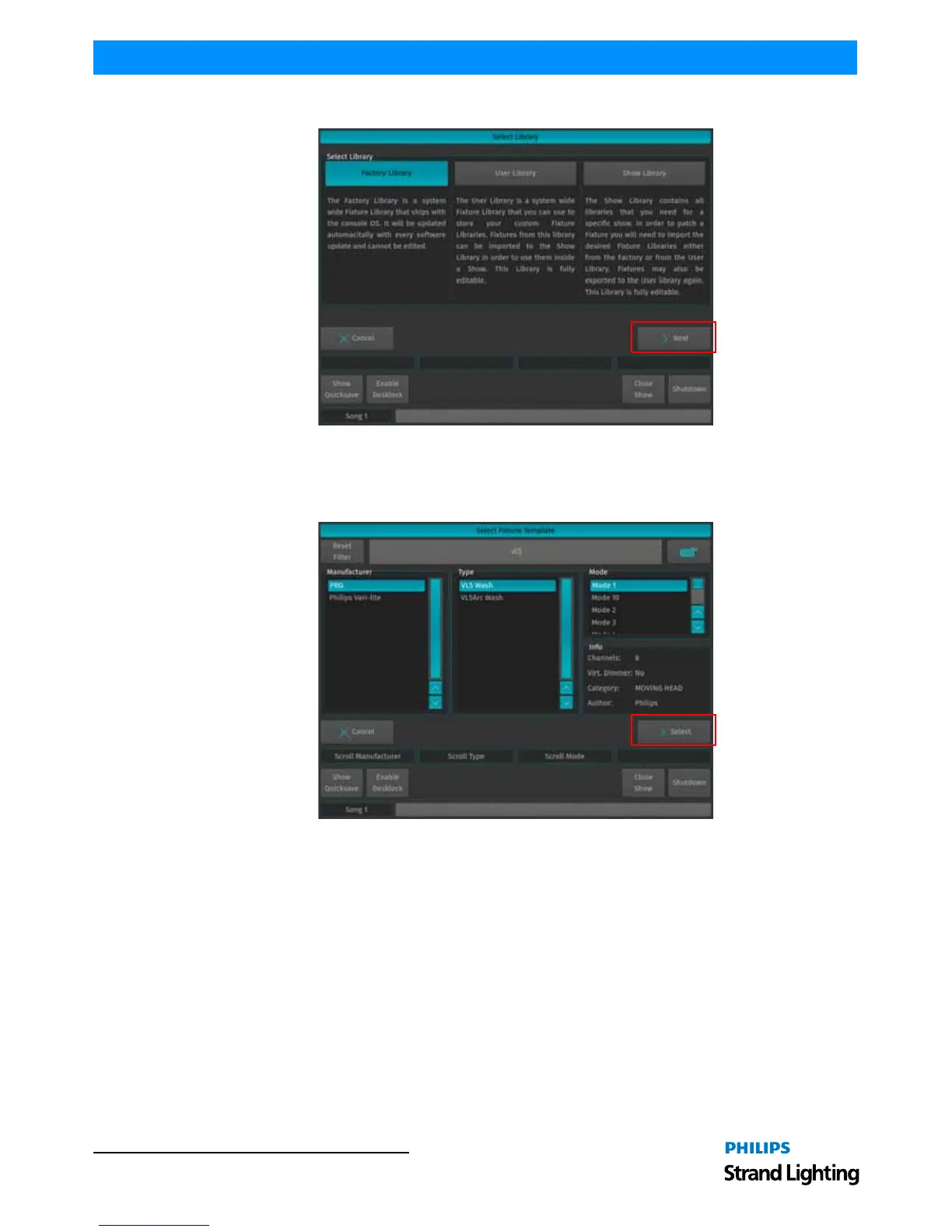
Figure 284: Select Source Library for Template Fixture
A menu that allows you to pick a fixture type will appear. You may search for fixtures using the filter field shown in
the top part of the screen. Alternatively, you may select the fixture by selecting the Manufacturer, Type and Mode.
Click on Select when done.
Figure 285: Select Fixture Type Screen



 To Next Page