Updating Console Software 171
500ML Lighting Control Console
Operation Guide
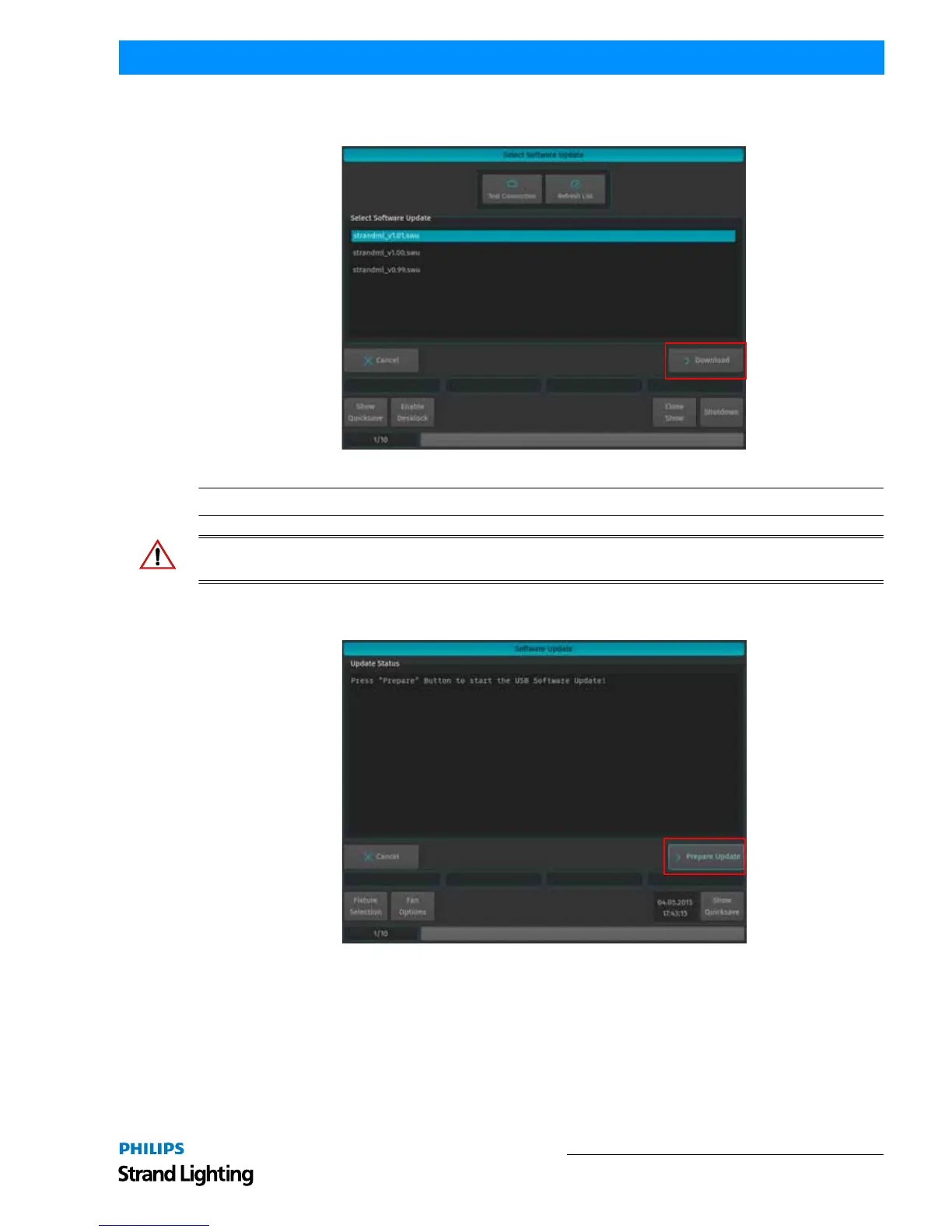
The Console will present you with a list of available software updates found on the Internet. Select the appropriate
file and click on Donwload as shown in Figure 312.
Figure 312: Select Software Update Window - Downloading Online Software
Note: You must reboot / restart the console in order for the new software to take effect.
WARNING! During the update process, DO NOT disconnect power OR switch off the console. This may render the
console un-bootable! Allow the the process to finish completely.
A wizard will lead you through a few steps to load the new software as shown in Figure 313 and Figure 314 on page
172..
Figure 313: Software Update Window - Prepare Update



 To Next Page