Operation Guide 500ML Lighting Control Console
42 OPERATION
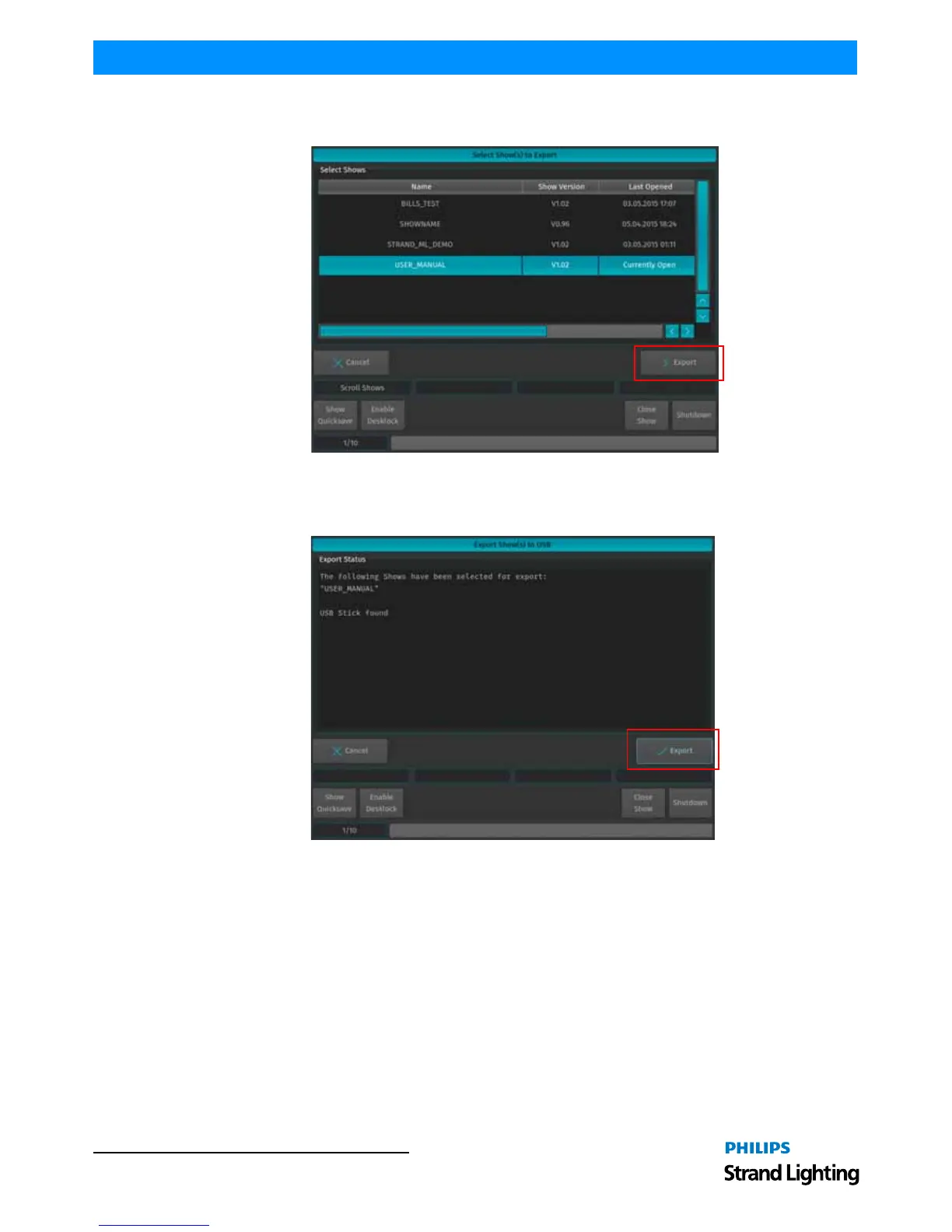
The next screen will display a list of shows in the console’s memory. Select the show or shows you would like to
export (copy) to the USB key. Then, hit the Export button on the touchscreen display to export them to the USB key.
Figure 61: Select Show(s) to Export Screen - Exporting Shows to USB Key
A confirmation screen will appear confirming your selection(s) to be exported as shown in Figure 62. Click the
Export button to export the show(s) to the USB Key. The Export Status field will now display the export process.
Figure 62: Export Show(s) to USB Screen - Confirmation Screen



 To Next Page