Operation Guide 500ML Lighting Control Console
58 Programming
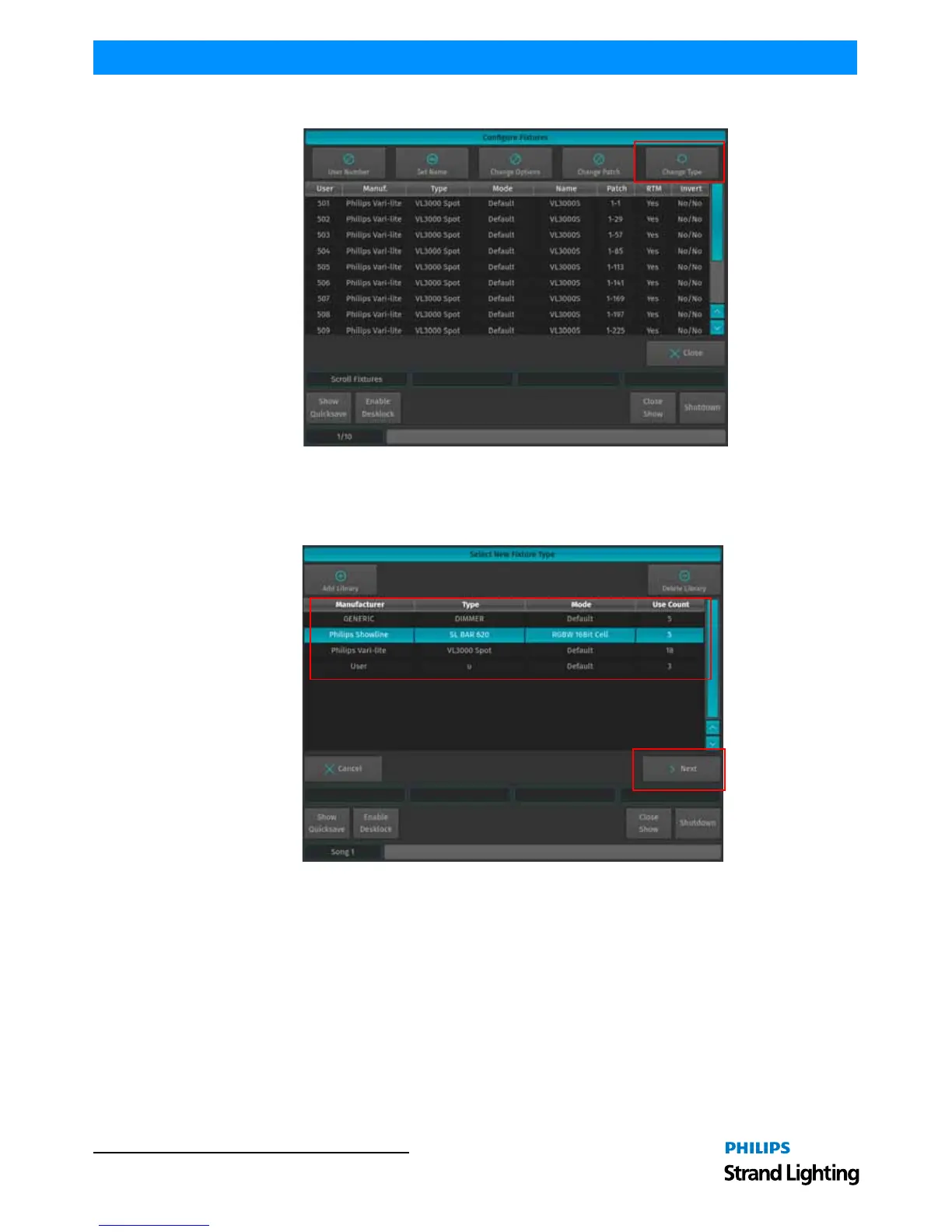
Figure 95: Configure Fixtures - Change Type Option
The Select New Fixture Type window will open (Figure 96), asking you to select the new fixture type from the Show
Library. If the desired fixture is in the Show Library already, select it from the list and click on Next and skip the next
steps. If the desired fixture type is not yet in the Show Library, click on Add Library.
Figure 96: Select New Fixture Type Window



 To Next Page