Operation Guide 500ML Lighting Control Console
164 MAINTENANCE
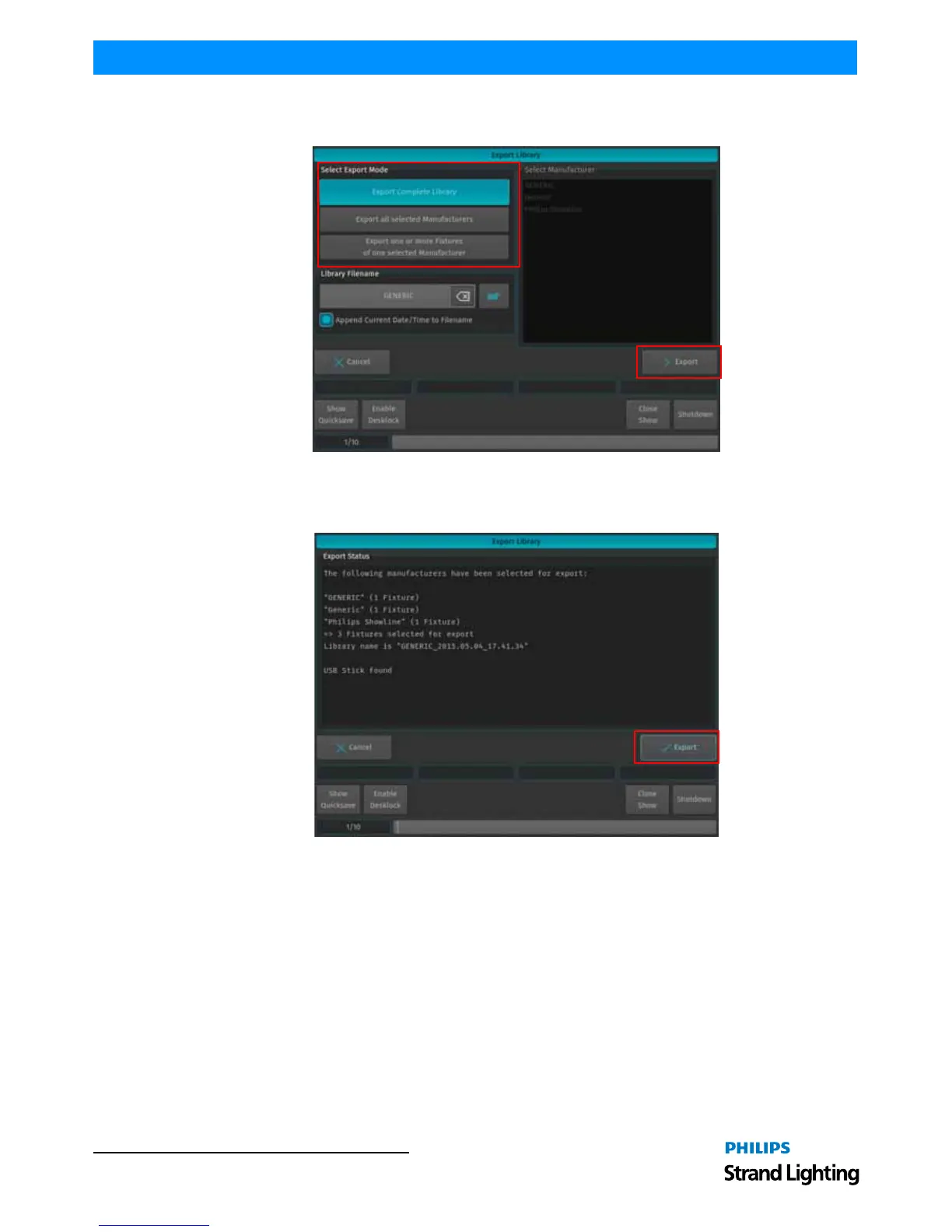
The Export Library window (Figure 299) will appear to allow you to specify which or all Libraries to be exported.
After making your selection, click on Export button to copy the selected Libraries onto the USB Key.
Figure 299: Export Library Window
A confirmation window will be shown with a brief summary of the Library or Libraries that will be exported. Click
on Export to copy the Library file onto the USB Key. The Export Status box will now display the export progress.
Figure 300: Export Library Window - Export Status



 To Next Page