Operation Guide 500ML Lighting Control Console
166 MAINTENANCE
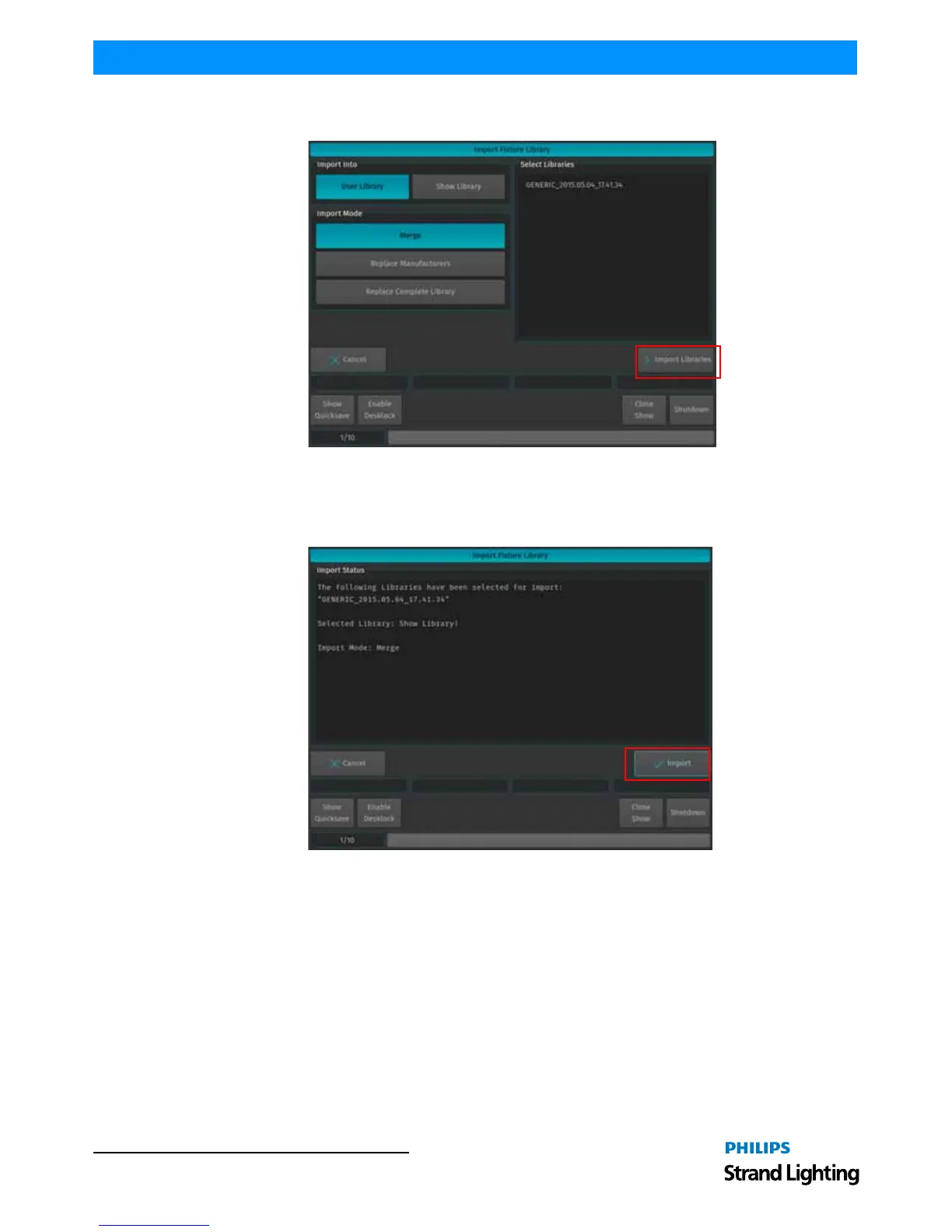
You will now be presented with a screen (Figure 302) allowing to specify how the library should be imported. After
setting the desired options, hit the Import button on the touchscreen display.y.
Figure 302: Import Fixture Library Window
A screen asking for confirmation will be shown with a brief summary of the Library or Libraries to be imported.
Click on Import button as indicated in Figure 302 to start the process that imports the selected Libraries to the
console. The Import Status box will now display the import process.
Figure 303: Import Library Window - Import Status



 To Next Page