The Graphical User Interface 19
500ML Lighting Control Console
Operation Guide
• Output Window: The Output Window provides a quick way to check output values, source of the values and the
source of an running effect.
• Console Status Window: This window shows the consoles system log.
• Off Window: This window may be used to see a list of all the cuelists that are running and provides you with an
option to switch of any cuelist.
Setup Toolbar
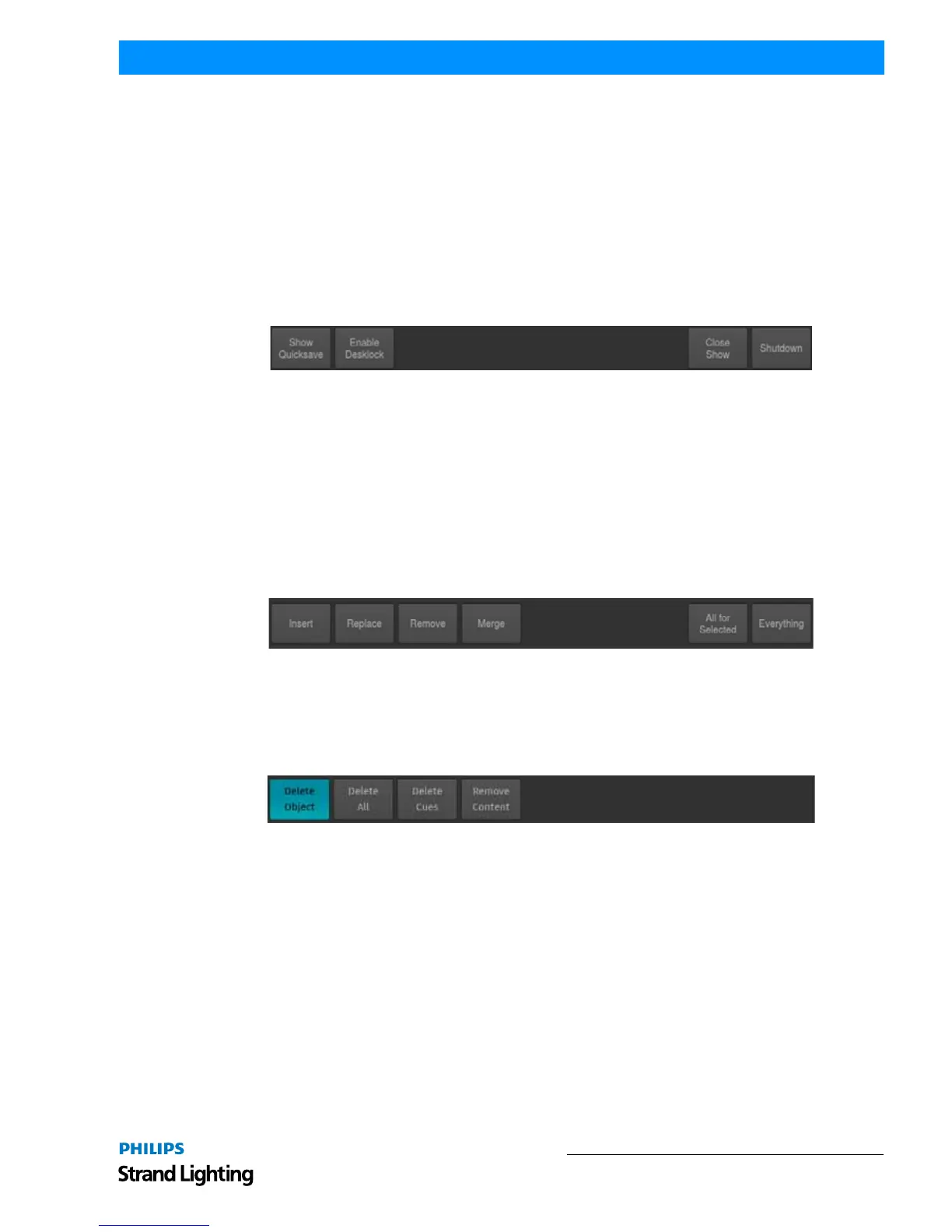
The Setup Toolbar shows Setup related functions used to save or close the show, to lock or to shut down the console.
To open up the toolbar, press the
[SETUP] hard key. Whenever you press Setup, the Setup Menu will be shown as
well.
Setup Toolbar offers these selections:
• Show Quicksave: Saves the Showfile.
• Enable Desklock: Will lock the Console.
• Close Show: Will close the Showfile and bring you back to the Welcome Screen.
• Shutdown: May be used to Shutdown or restart the Console.
Record Toolbar
The Record Toolbar provides you with modifiers when recording an object. It is shown after pressing the
[REC]
console key.
Figure 14: Record Toolbar
Delete Toolbar
The Delete Toolbar, similar to the Record Toolbar; it shows several options useful for deleting objects. The toolbar is
shown after pressing the
[DELETE] console key.
Figure 15: Delete Toolbar
• Delete Object: Only deletes the selected Object
• Delete All: Deletes the selected Object and all directly connected Objects. Example: When Delete All is selected
while deleting a Fader Assignment, the assigned Object will be deleted as well.
• Delete Cues: Is used to delete Cues from a Cuelist
• Remove Content: Will remove all touched Values (if applied to a Preset or Cue) from the Preset or Cue, or
selected Fixtures (if applied to a Group) from the Group.
Off Toolbar
The Off Toolbar is shown after pressing the
[OFF] console key. It can be used to quickly turn off (stop) all running
Cuelists, to reset all Sub (Fixture & Group Masters) or assign Grandmasters to 100%.
Release Everything will release all Cuelists and reset all Fixture & Groupmasters as well as the Grandmaster to
100%. Alternatively, the toolbar may be used to open the Off Window which provides you with a more detailed view
of Cuelist states and a quick way of switching off playbacks across all playback pages.



 To Next Page