Pool Windows and Pool Items 29
500ML Lighting Control Console
Operation Guide
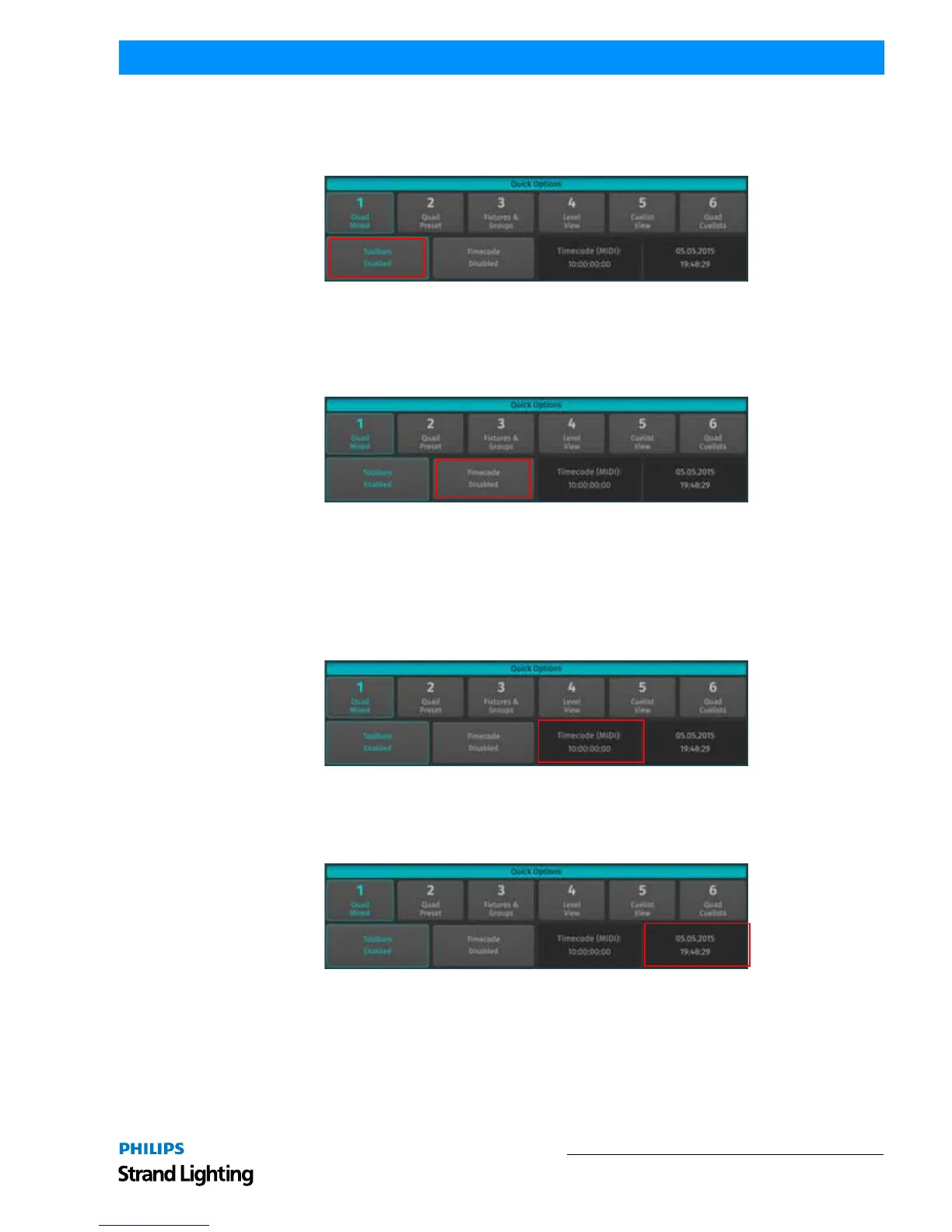
Enable / Disable Toolbars Button
The external screen toolbars may be disabled or enabled by clicking on the Toolbars Enable / Disabled button in the
Quick Options section of the external Screen. This will provide you with one more row of Pool Items for each Pool.
Figure 36: Quick Options Screen - Toolbars Disabled / Enabled Button
Enable / Disable Timecode Button
The external Screen contains a button for the timecode input of the console to be disabled or enabled by clicking on
the Timecode Enabled / Disabled button in the Quick Options section of the external Screen.
Figure 37: Quick Options Screen - Timecode Disabled / Enabled Button
Timecode Status Indicator
The Timecode Status Indicator shows to which type of timecode the console is listening to and if the timecode
reception is enabled.
If timecode signal is not detected when the timecode is active, the text color will be red. If incoming timecode is
detected, the console will set the text color to green and show the timecode.
Figure 38: Quick Options Screen - Timecode Status Indicator
Current Date / Time Indicator
The current date / time is shown in the right hand corner of the Quick Options section.
Figure 39: Quick Options Screen - Current Date / Time Indicator



 To Next Page