Working with Fixtures 71
500ML Lighting Control Console
Operation Guide
There are two ways to assign a Fixture to a Dimmer Master; using the Command Line Interface or the Fixture Pool
Window.
Using the Command Line Interface
Press the [ASSIGN] key, followed by the fixture selection, in example: [FIXTURE] [501]. Now select the [GO], or
[PAUSE/BACK] key of the fader that should act as the Dimmer Master.
Using the Fixture Pool Window
You may also use the Command line Interface paired with visual fixture selection:
Hit the [FIXTURE] key while striking the [ASSIGN] key. The Fixture Pool window will be shown. Now select the
fixture from within the Fixture Pool Window followed by the [GO], or [PAUSE/BACK] key of the fader that should
act as the Dimmer Master.
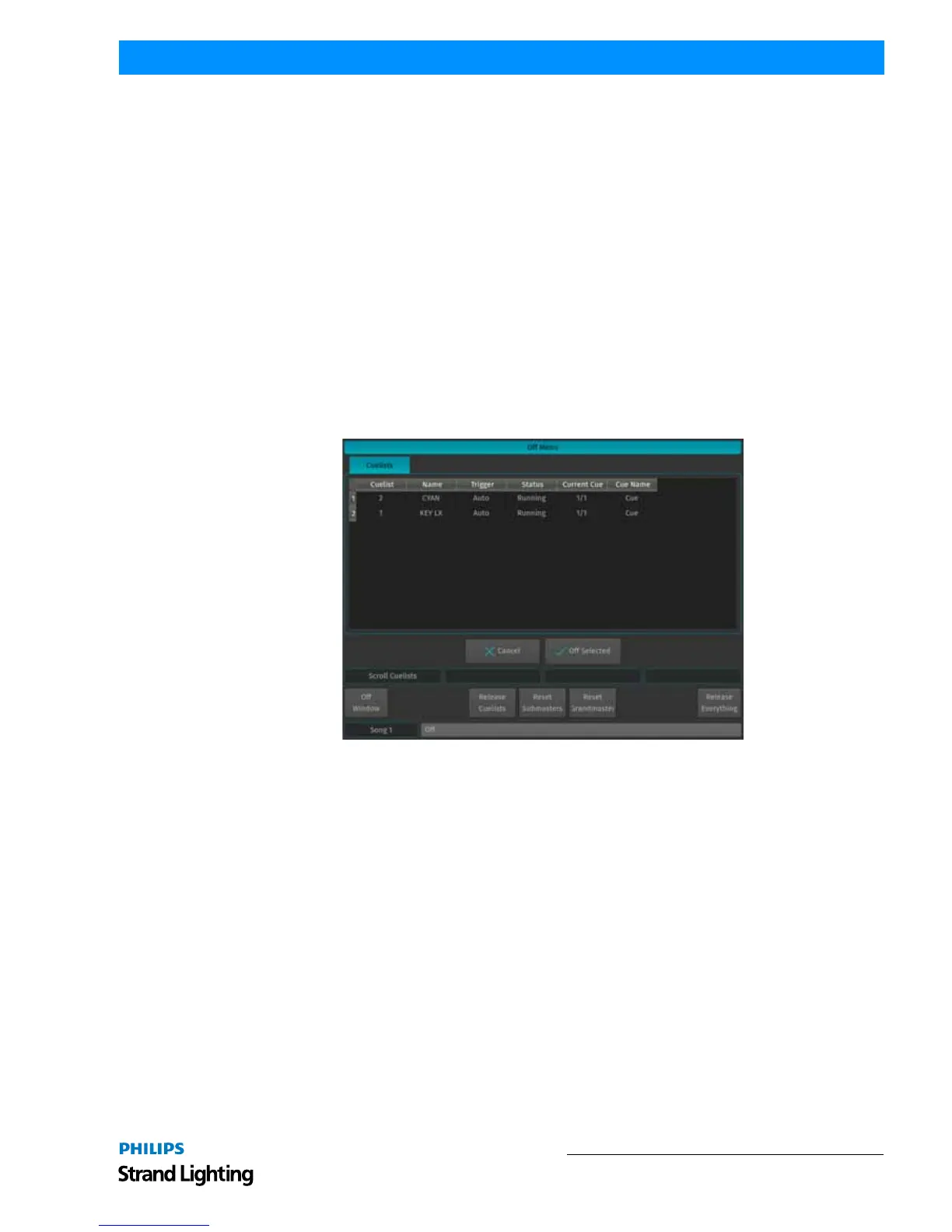
The Off Window may be used to easily switch off running cuelists and to get an overview of the current Playback
state.
To Open the Off Window, press the [OFF] button and select Off Window from the Off Toolbar.
To switch off a Cuelist, select it from the List and press the Off Selected button.
Figure 122: Off Menu Window



 To Next Page