Operation Guide 500ML Lighting Control Console
76 Programming
Replacing Fixture(s) from a Group using Group Pool Window
Press and hold the [REC] key and then press the [GROUP] button. s shown in Figure 124 on page 73, the Group Pool
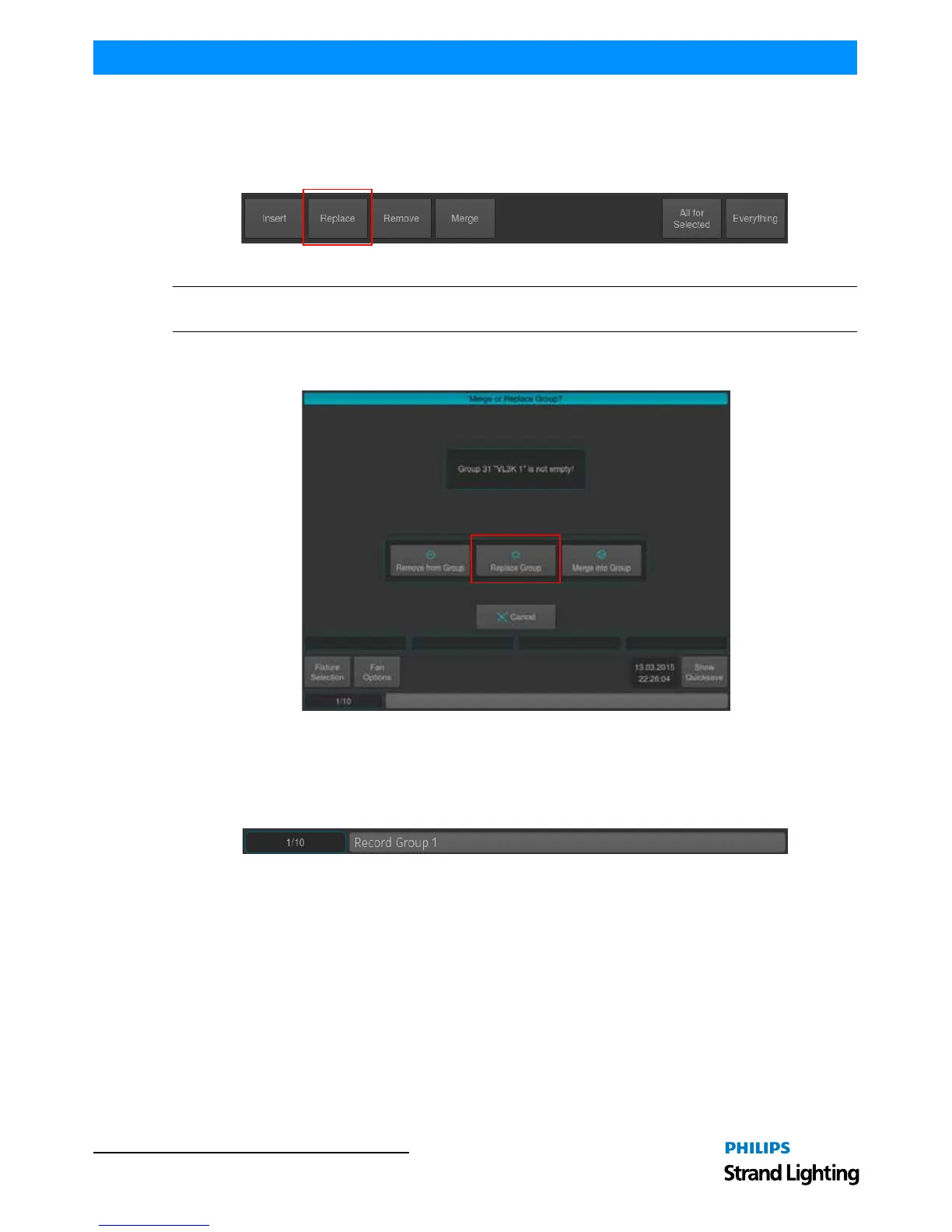
window will appear. You may now select the Replace Option in the Record Toolbar (Figure 132). Select the Group
you would like to replace in the Pool Window..
Figure 132: Record Toolbar - Replace Option
Note: You may also hit the [REC] key only, and select the target Group Item in the External Monitors Group Pool
Window.
If you did not select an option from the Record Toolbar, a dialog window asking you what to do will open up Figure
133). Click on Replace Group.
Figure 133: Merge or Replace Group? Window
Replacing a Group using the Command Line Interface
Press the [REC] key, followed by the [GROUP] key. You may now select the Replace Option in the Record Toolbar
(Figure 132). Enter the number of the group you would like to replace, ie. [1], followed by [ENTER].
Figure 134: Command Line Interface
If you did not select an option from the Record Toolbar, a dialog window asking you what to do will open up (Figure
133). Click on Replace Group.



 To Next Page