Operation Guide 500ML Lighting Control Console
94 Programming
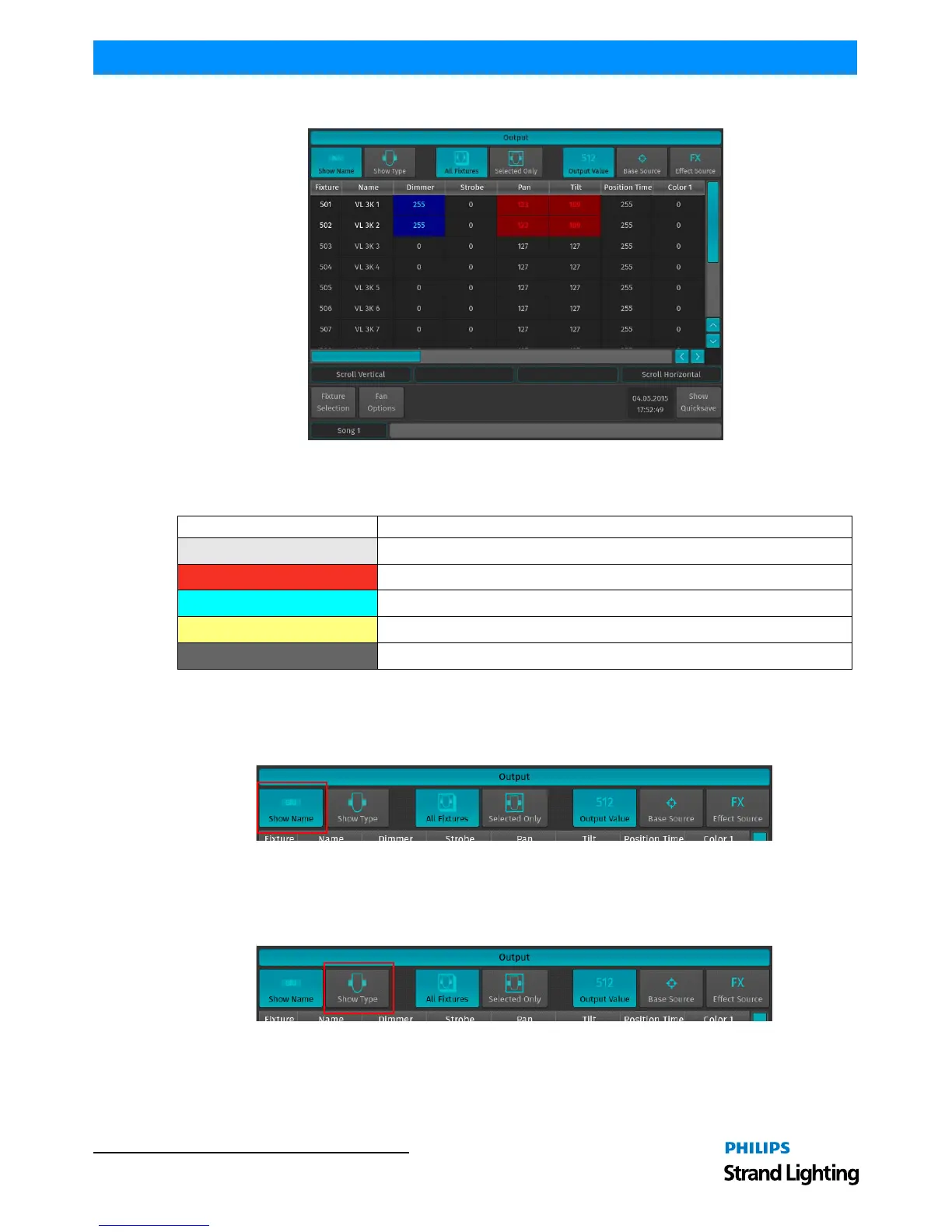
The Output Window will be shown (Figure 167).
Figure 167: Output Window
By default, the Output Window will show All Fixtures and the Fixtures’ current value, using colors to indicate the
origin of the Value:
The top row contains buttons to further customize the information that is to be displayed.
Show (Fixture) Name
If the Show Fixture Name button is enabled, Fixture Names will be shown in the Output Value table.
Figure 168: Output Window - Show Name Button
Show (Fixture) Type
If the Show Type button is enabled, the Fixtures Types are be shown in the Output Value table.
Figure 169: Output Window - Show Type Button
Background Color State
Light Grey This value is output using the Default Value set in the Library
Red This value is in the programmer
Cyan This value is being output by a Cuelist
Yellow This value is being output by the "Highlight" function
Dark Gray This value is set to the "Blackout" value defined in the Library



 To Next Page