User’s Manual of WGSD-10020 Series
4.8.16 MVR Groups Information
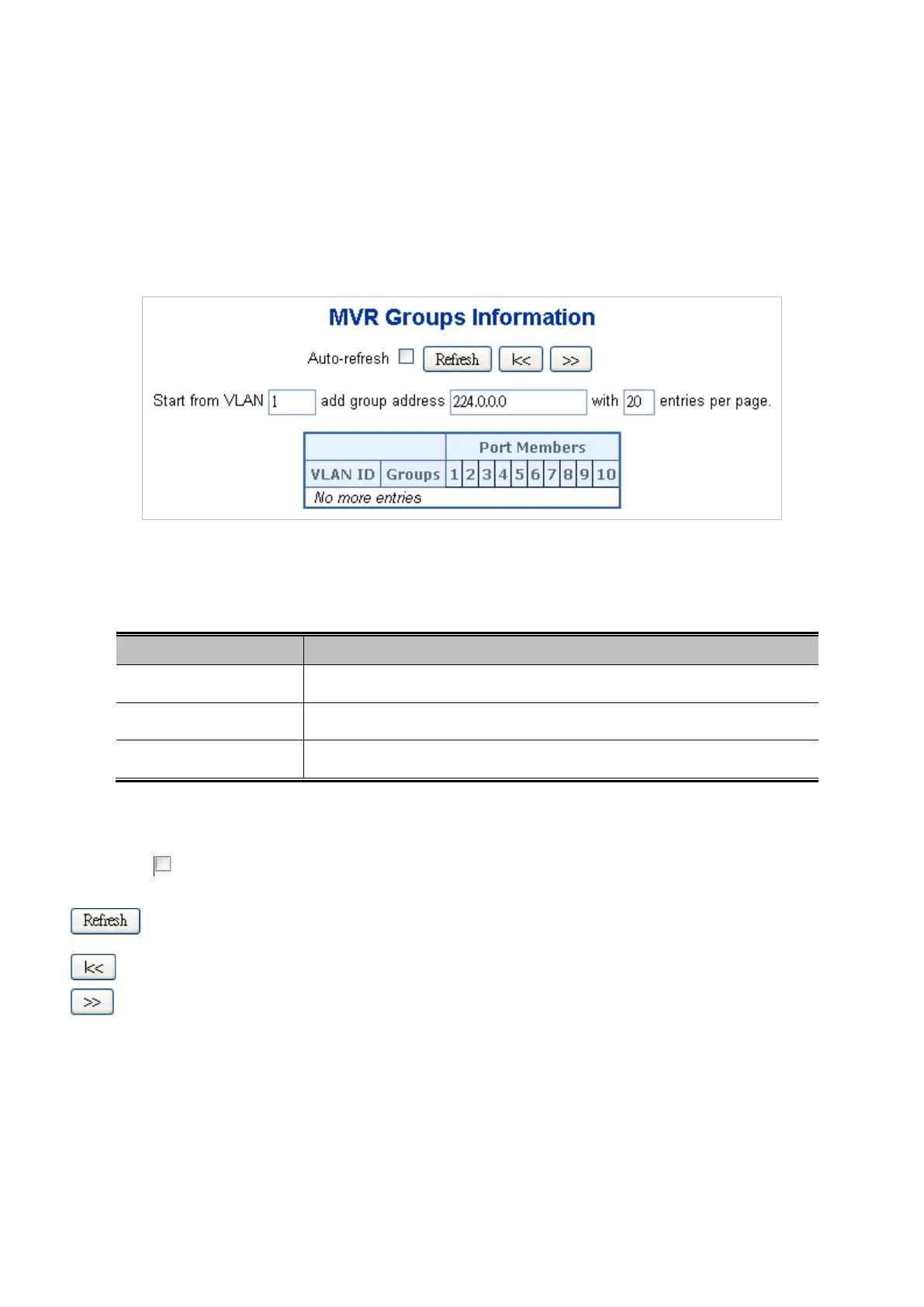
Entries in the MVR Group Table are shown on this page. The MVR Group Table is sorted first by VLAN ID, and then by group.
Each page shows up to 99 entries from the MVR Group table, default being 20, selected through the "entries per page" input
field. When first visited, the web page will show the first 20 entries from the beginning of the MVR Group Table.
The "Start from VLAN", and "group" input fields allow the user to select the starting point in the MVR Group Table.
The MVR Groups Information screen in Figure 4-8-19 appears.
Figure 4-8-19 MVR Groups Information page screenshot
The page includes the following fields:
Object Description
• VLAN
VLAN ID of the group.
• Groups
Group ID of the group displayed.
• Port Members
Ports under this group.
Buttons
Auto-refresh : Check this box to enable an automatic refresh of the page at regular intervals.
: Click to refresh the page immediately.
: Updates the table, starting with the first entry in the IGMP Group Table.
: Updates the table, starting with the entry after the last entry currently displayed.



 To Next Page
 Loading...










