User’s Manual of WGSW-28040 / 28040P
157
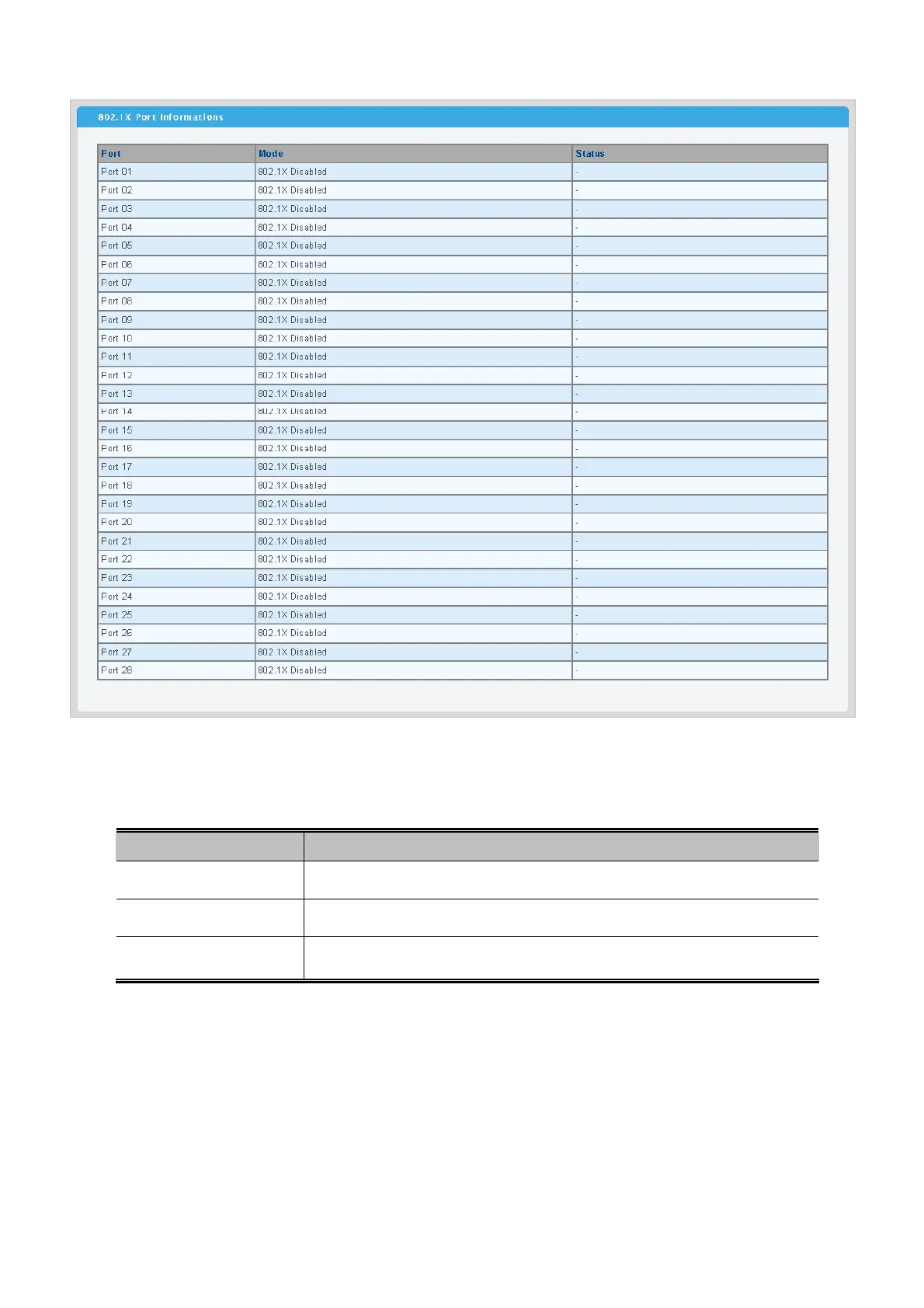
Figure 4-9-12 802.1X Port Informations page screenshot
The page includes the following fields:
Object Description
• Port
The switch port number of the logical port.
• Mode
Display the current 802.1X port mode.
• Status
Display the current 802.1X port status.



 To Next Page
 Loading...











