Chapter 3-Installing RMX Manager for Secure Communication Mode
Polycom, Inc. 3-3
3 Enter the Local Domain Name.
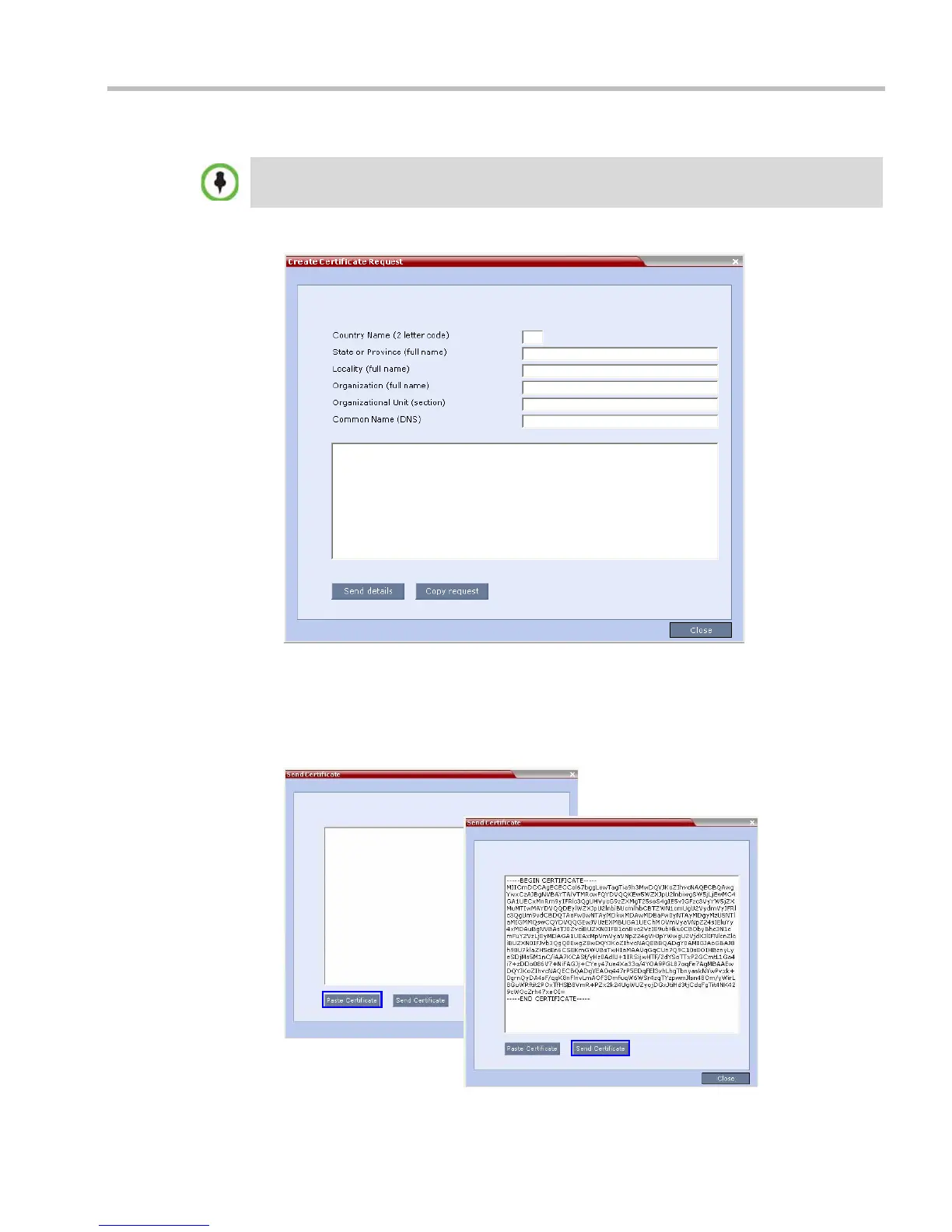
4 Create a Certificate Request.
For more information, see the RealPresence® Collaboration Server (RMX®) 1500/2000/4000
Administrator’s Guide, "Purchasing a Certificate” on page F-2.
Certificates can also be created and issued using an Internal Certificate Authority. For
more information see "Using an Internal Certificate Authority” on page 3-6.
5 Install the certificate.
The Local Domain Name must be the same as the MCU Host Name. If the content of these two
fields are not identical an active alarm is created.














 To Next Page