Polycom RealPresence Collaboration Server (RMX)1500/2000/4000 Deployment Guide for Maximum Security Environments
3-4 Polycom, Inc.
For more information, see the RealPresence® Collaboration Server (RMX®) 1500/2000/4000
Administrator’s Guide, "Installing the Certificate” on page F-4.
6 Set the RMX to Secure Communication Mode.
7 Set the RMX to Secure Communication Mode
a In the RMX Management pane, click IP Network Services.
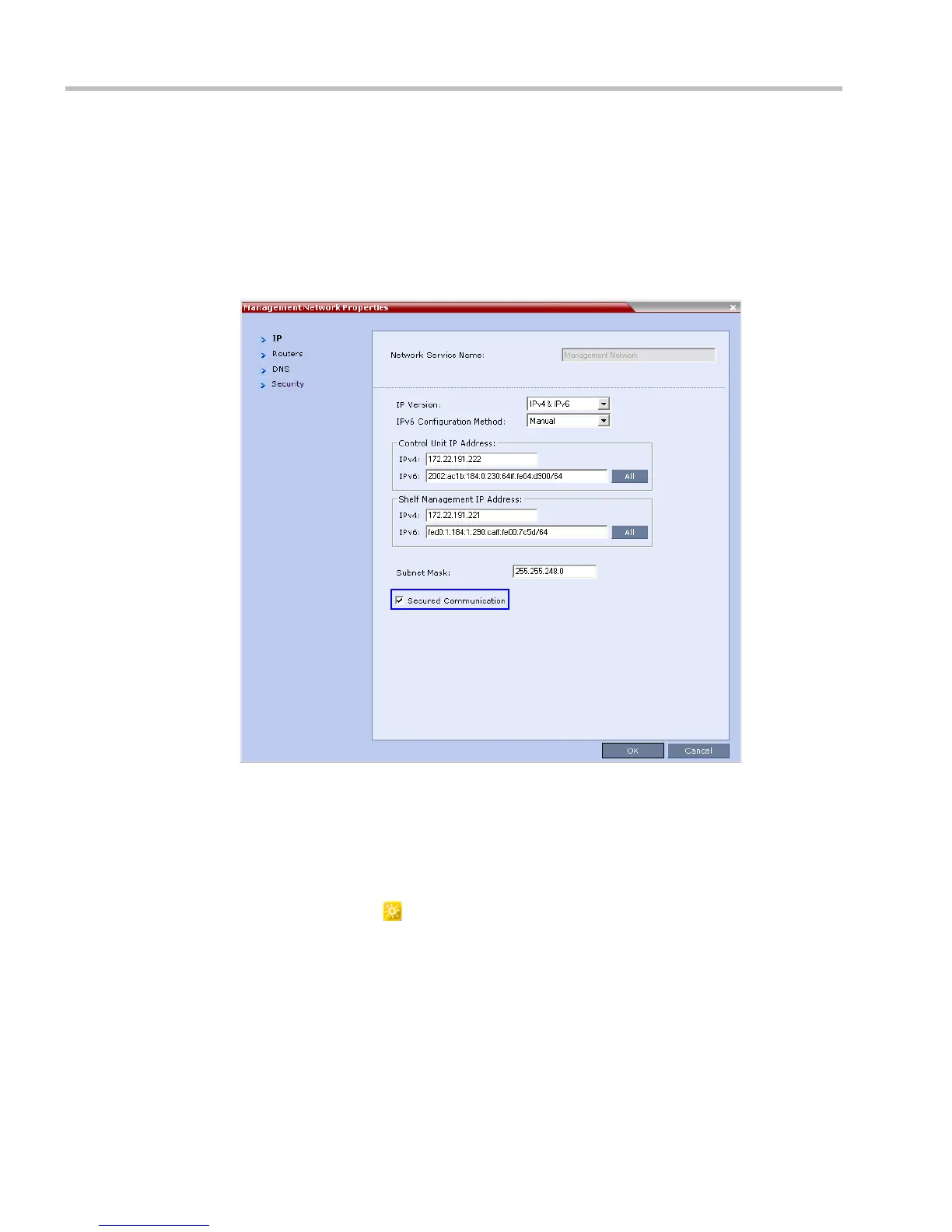
b In the IP Network Services list pane, double click the Management Network entry.
The Management Network Properties dialog box is displayed.
c Select the Secured RMX Communication check box.
d Click OK.
8 Reset the RMX:
a In the RMX Management pane, click the Hardware Monitor button.
The Hardware Monitor pane is displayed.
b Click the Reset ( ) button.














 To Next Page