Chapter 3-Installing RMX Manager for Secure Communication Mode
Polycom, Inc. 3-5
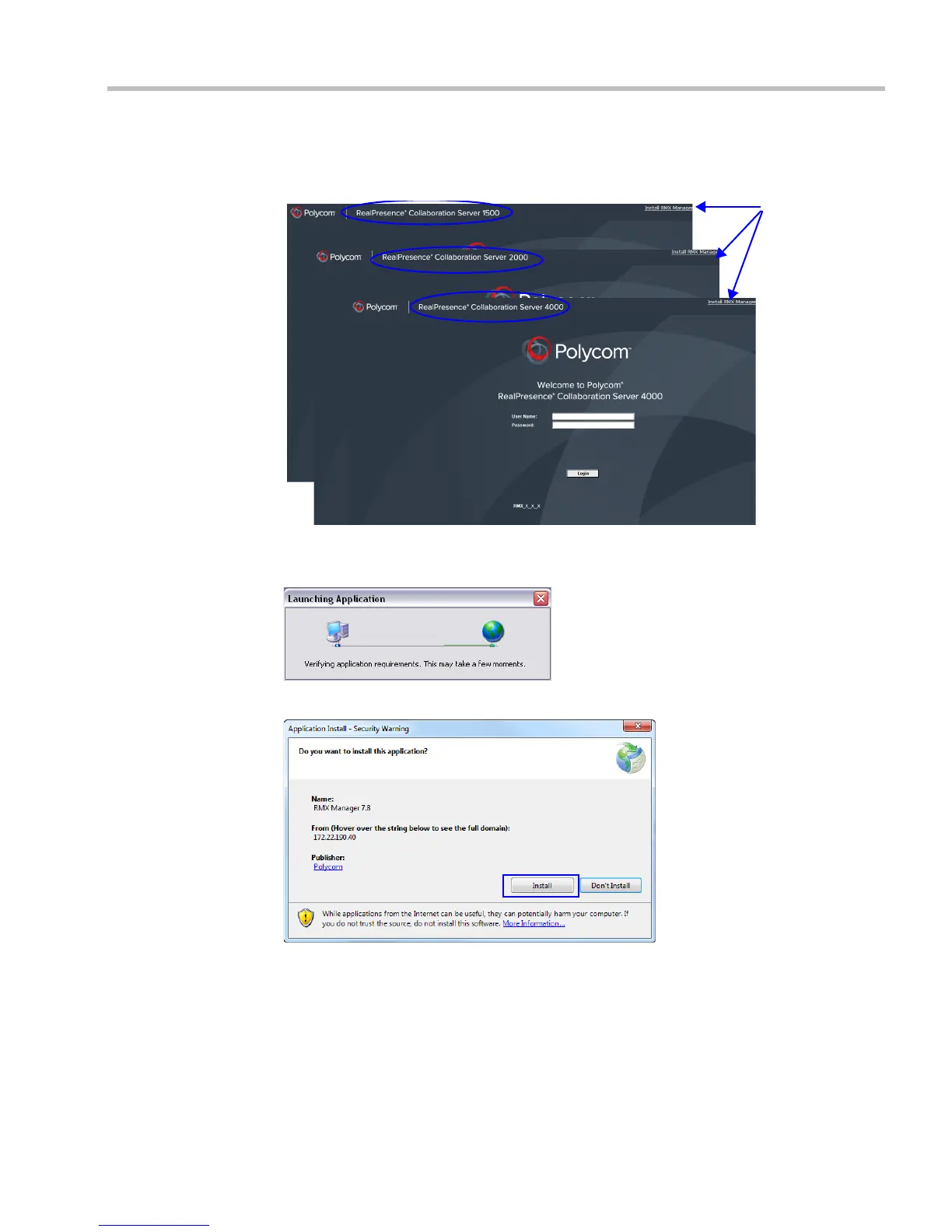
9 Install the RMX Manager:
a In the Login screen, click the link to the RMX Manager Installer at the top of the right
edge of the screen.
b Click the Install RMX Manager link.
The installer verifies the application’s requirements on the workstation.
The Install dialog box is displayed.
c Click Install.
The installation proceeds.
When the installation completes, the application loads and the RMX Manager – Welcome
screen is displayed.
Link to
RMX
Manager
Installer














 To Next Page