Polycom RealPresence Collaboration Server (RMX)1500/2000/4000 Deployment Guide for Maximum Security Environments
5-6 Polycom, Inc.
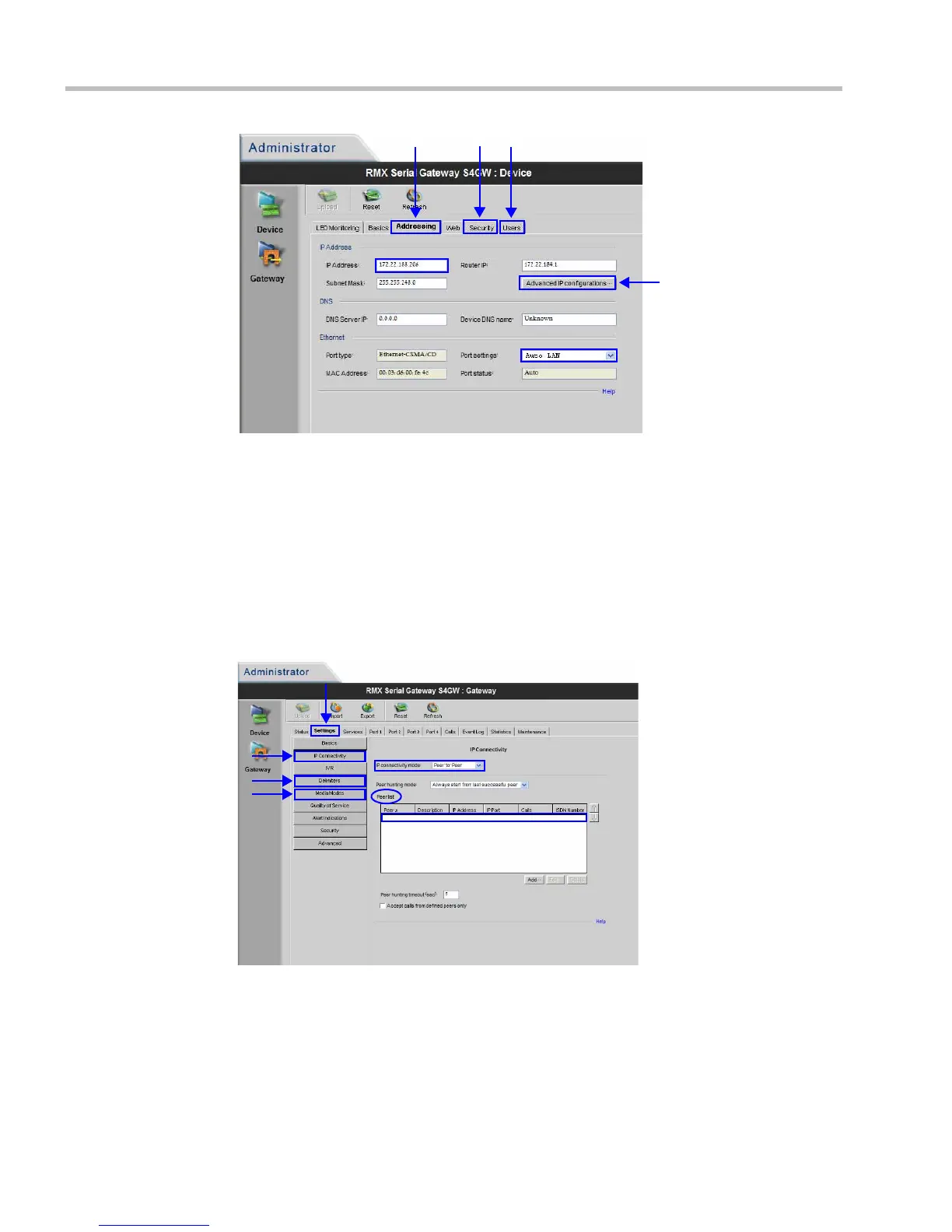
5 Click the Advanced Configurations button and verify that:
— VLAN Tagging is disabled
— Use different interface for media and signaling is disabled.
If they are not disabled, disable them.
6 Select the Security tab.
7 Set the Security Mode to Maximum.
8 Select the Users tab.
9 Create the user account that the RMX will use to connect to the
Serial Gateway.
10 Click the Delimiters tab.
a Set the delimiter to #.
11 Click the Media Modes tab.
a Un-check Enable H.263+.
b Un-check Enable T.120.














 To Next Page