Polycom RealPresence Collaboration Server (RMX)1500/2000/4000 Deployment Guide for Maximum Security Environments
1-24 Polycom, Inc.
Before connecting directly, you must modify the IP Address, Subnet Mask and Default
Gateway settings of the workstation to be compatible with either the RMX’s Default
Management Network.
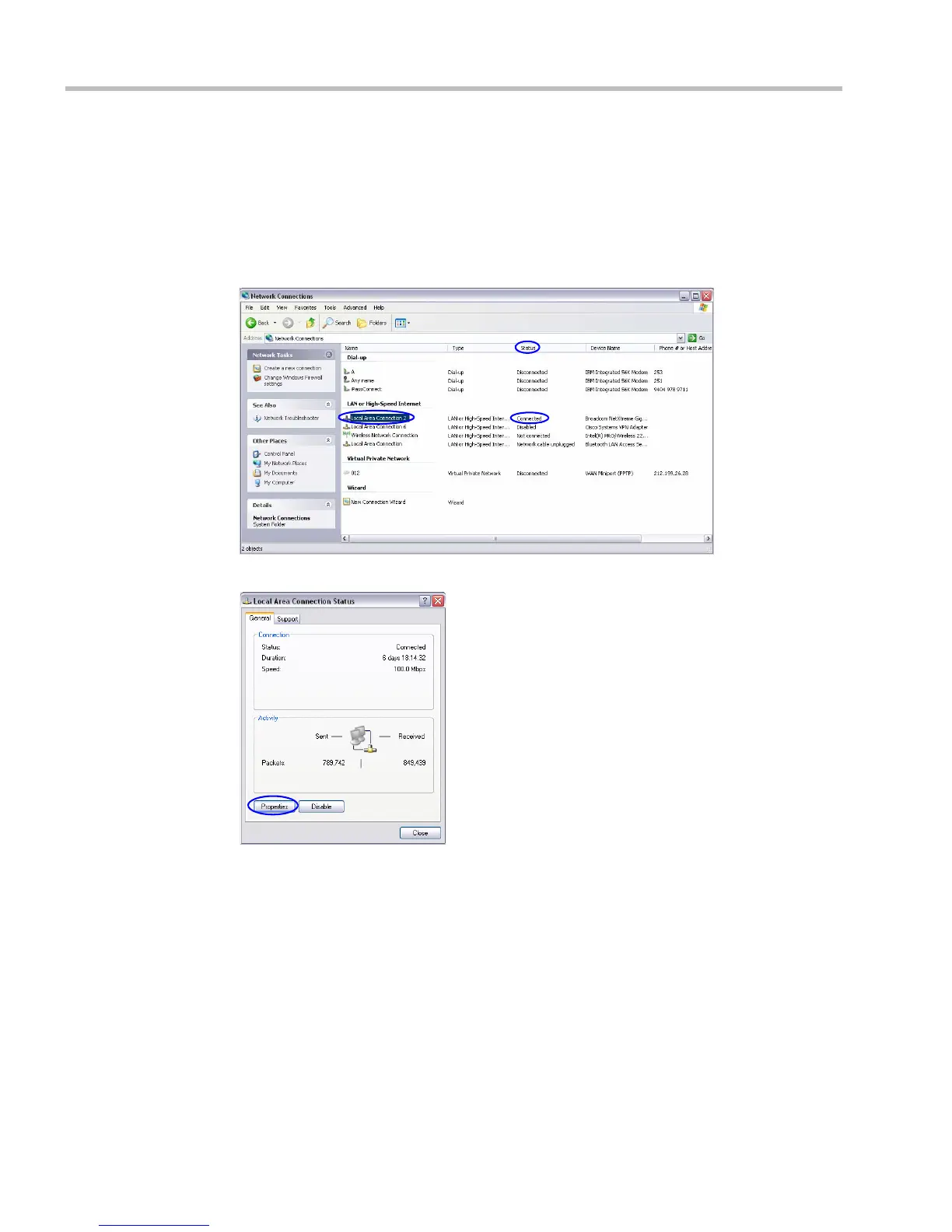
To modify the workstation’s IP addresses:
1 On the Windows Start menu, select Settings > Network Connections.
2 In the Network Connections window, double-click the Local Area Connection that has
Connected status.
3 In the Local Area Connection Status dialog box, click the Properties button.














 To Next Page