Chapter 1-First Time Installation and Configuration
Polycom, Inc. 1-31
4 Click the Next button.
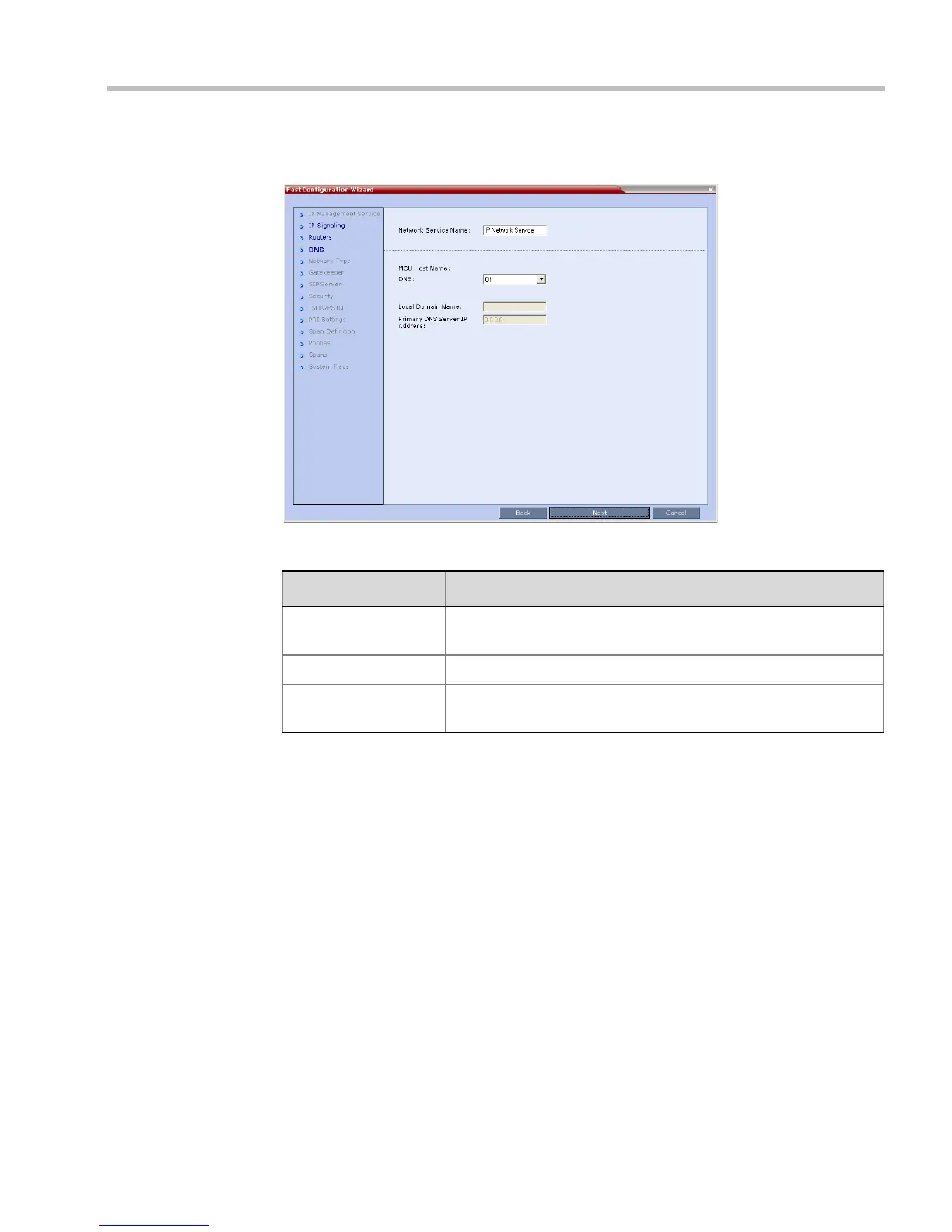
5 Enter the required DNS information in the dialog box.
Table 1-6 Signaling Network Service – DNS
Field Description
MCU Host Name DNS Enter the name of the MCU on the network.
Default name is RMX
Local Domain Name Enter the name of the domain where the MCU is installed.
Primary DNS Server
IP Address
The static IP addresses of the DNS servers.
A maximum of three servers can be defined.














 To Next Page