9. Data management ABL800 FLEX Operator's Manual
Quality Control Log, Continued
Viewing a result
To view a result, do the following:
Step Action
1.
Highlight the desired quality control result using scroll facilities.
2.
Press the Result button. For details – see Quality Control Result in
chapter 5.
Filter/trend
function
This function allows you to find a quality control result or to select a number of
results in order to make a trend.
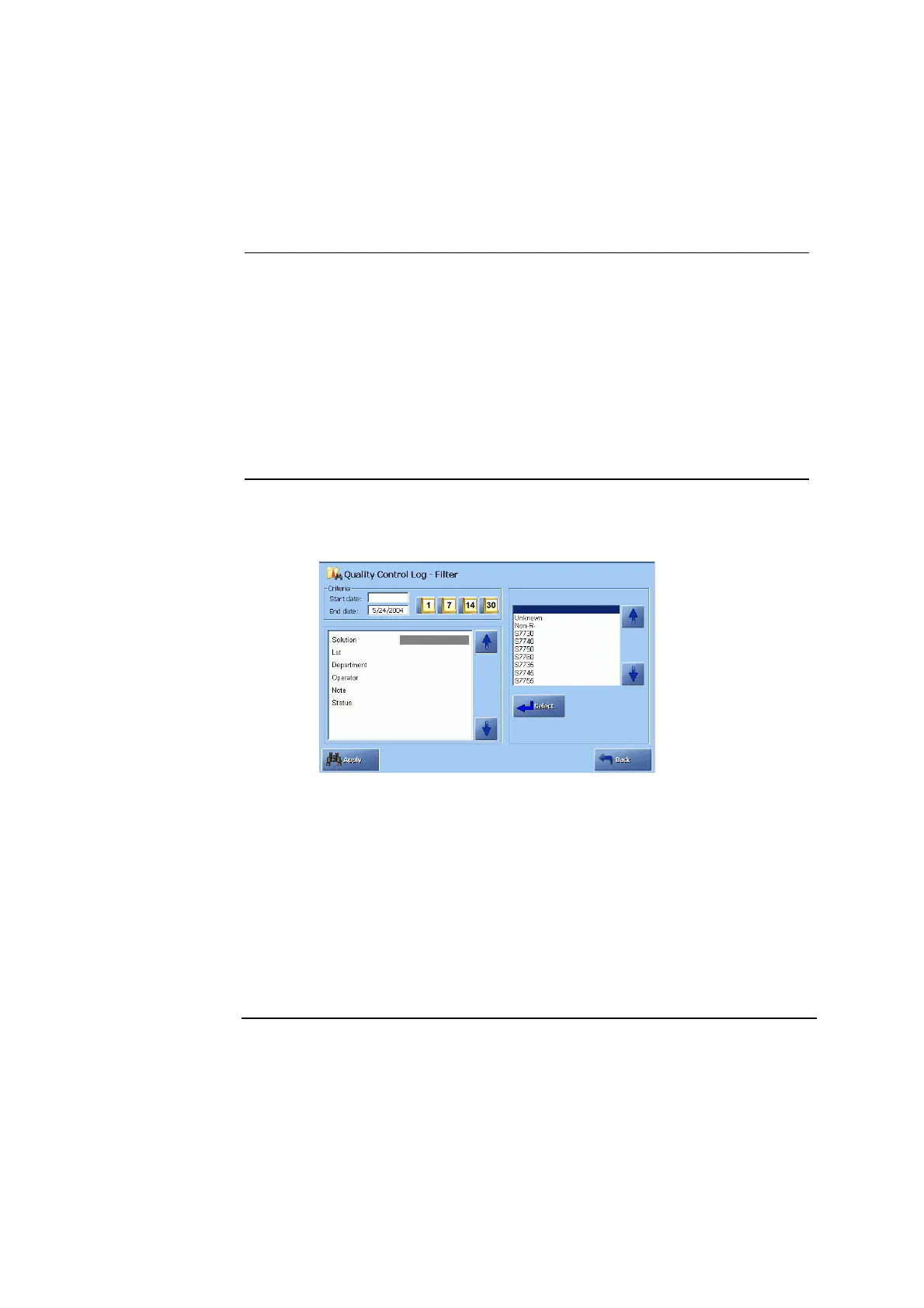
To set the filter criteria, do the following:
Step Action
1.
Press the Filter button on the Quality Control Log screen.
2.
Set the start date by using the 1-day, 7-day, 14-day or 30-day icons in
the “Criteria” box.
Or type in the date using the keypad and confirming the entry with
Enter.
Change if necessary the end date by highlighting it and typing a date
other than the current date. Confirm with Enter.
3.
Use the up and down arrow buttons to highlight the desired search
criteria.
4.
Select the desired choice and confirm each entry with Enter.
Or use the keyboard to enter the desired data and confirm each entry
with Enter.
Continued on next page
9-12



 To Next Page