Auxiliary Software
100 Rev. B4 Feb 2015 CS210
11.2 Remote Access from a Client PC
11.2.1 Enabling Remote Access to Readscan
Generally the operating system Windows will ask if a program should be allowed access to the
network on the first use. Here is the manual way to setup an access firewall rule exemplary for
Windows 7.
1. Open the Firewall configurations and create a new rule for incoming connections. Select
<program> as the rule type and allow the following application:
%ProgramFiles%\Raytek\DataTempCS\Readscan.exe
2. Allow this configuration for the correct network type. Usually domain, but select all three if
unsure.
3. Finally give the rule a name and confirm your settings. This will allow external connections to
the Readscan application.
11.2.2 Remote Access
In order to access the CS software from a client PC (another networked PC) you must do the
following:
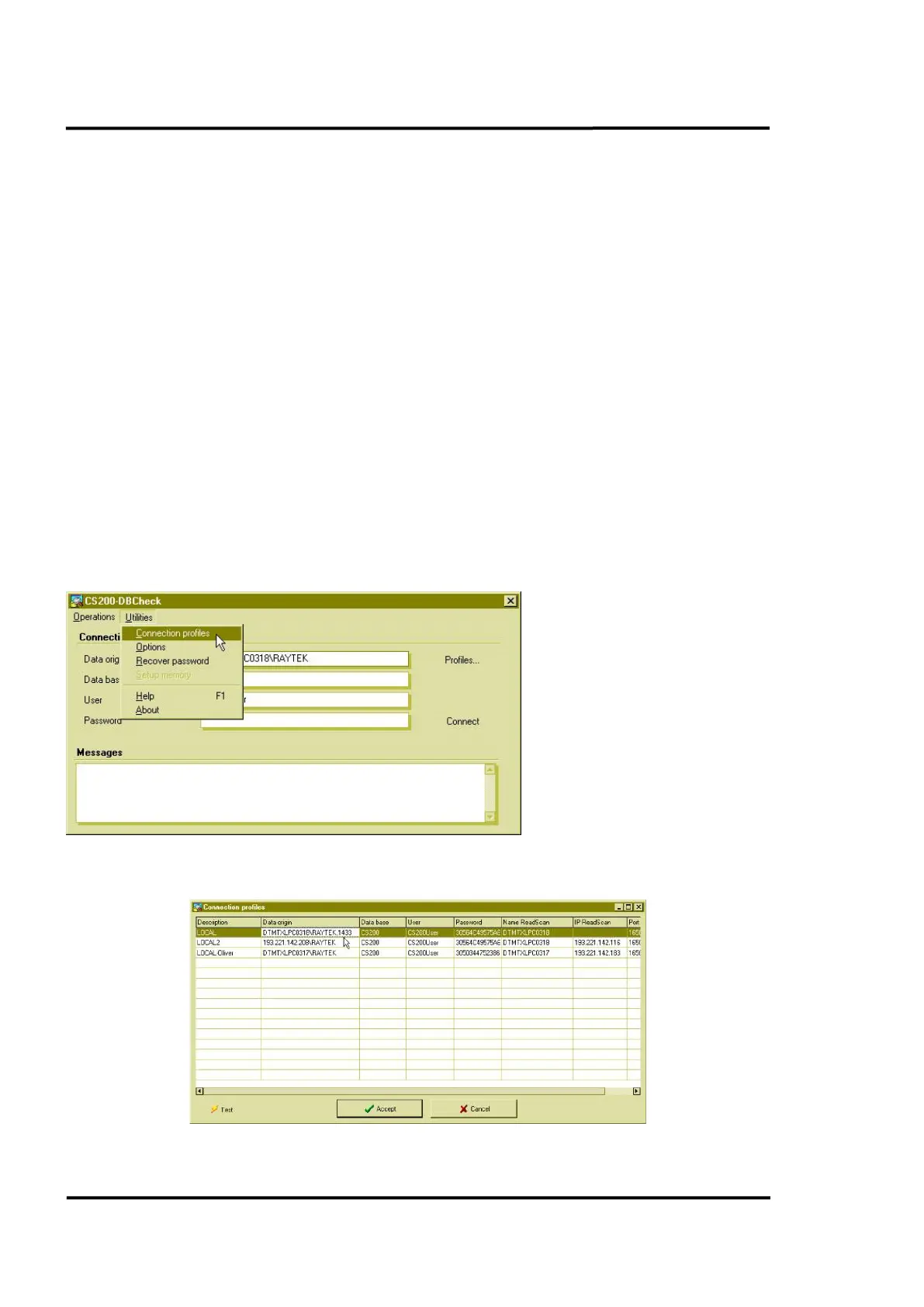
Start the <DBCheck.exe> file on the remote PC
Open the <Connection Profile>
Under <Data origin> add port 1433 (TCP/IP port of the SQL database) to the selected profile (comma
as separator).
Figure 93: Connection Profiles



 To Next Page