Auxiliary Software
102 Rev. B4 Feb 2015 CS210
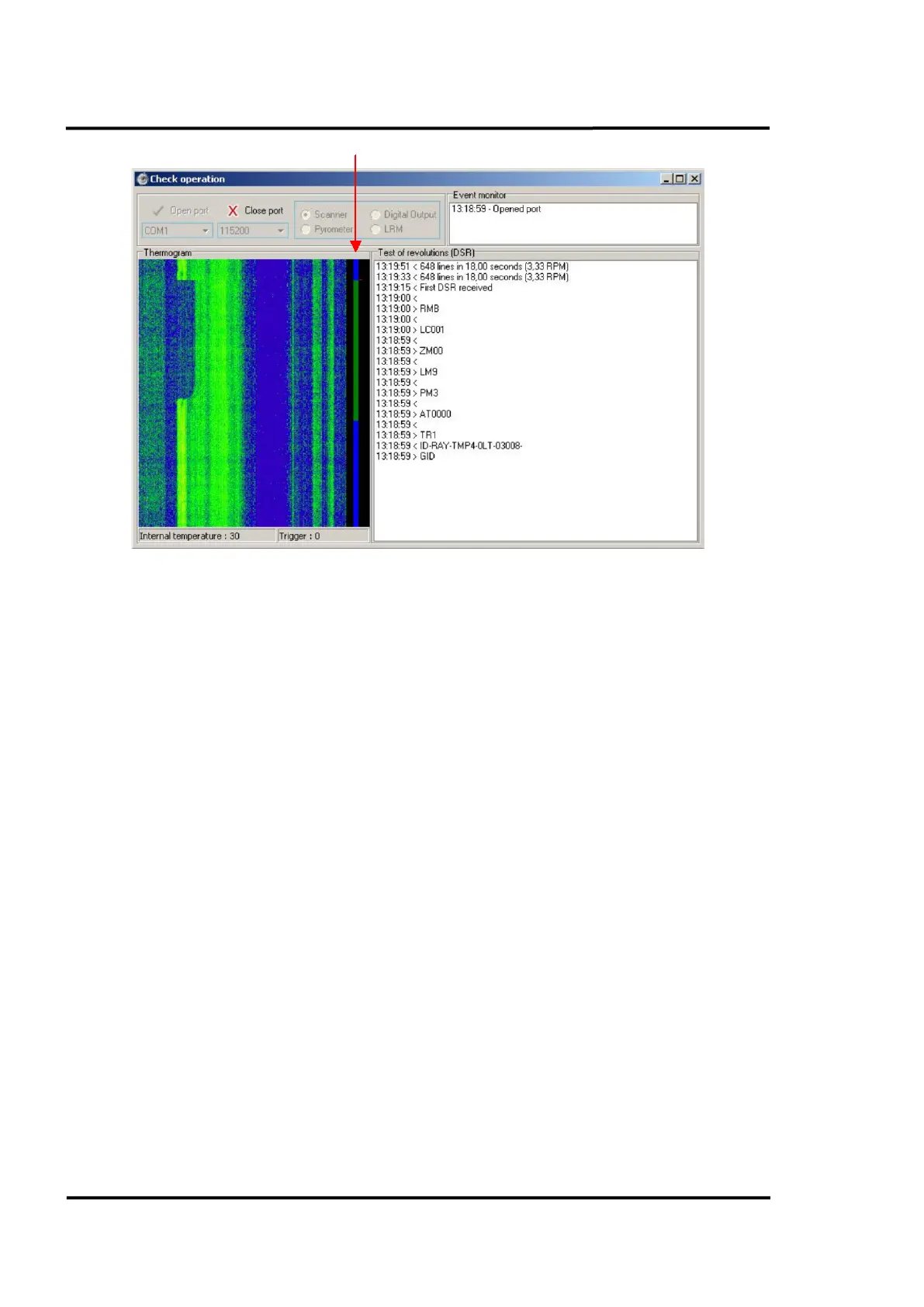
Figure 96: Scanner screen
11.3.1.2 Pyrometer
If the selected device is a pyrometer and its options have been correctly configured, the system will open
the port. Next step will be to select the address of the pyrometers to which you want to establish
connection. Then, click on the green arrow. If the connection goes through, the connected pyrometers as
well as their features will show in the screen.
If, on the other hand, any of the options has not been properly entered, or if the connection with any of the
devices did not go through, an error message will be displayed.



 To Next Page