Operation
CS210 Rev. B4 Feb 2015 57
7. Operation
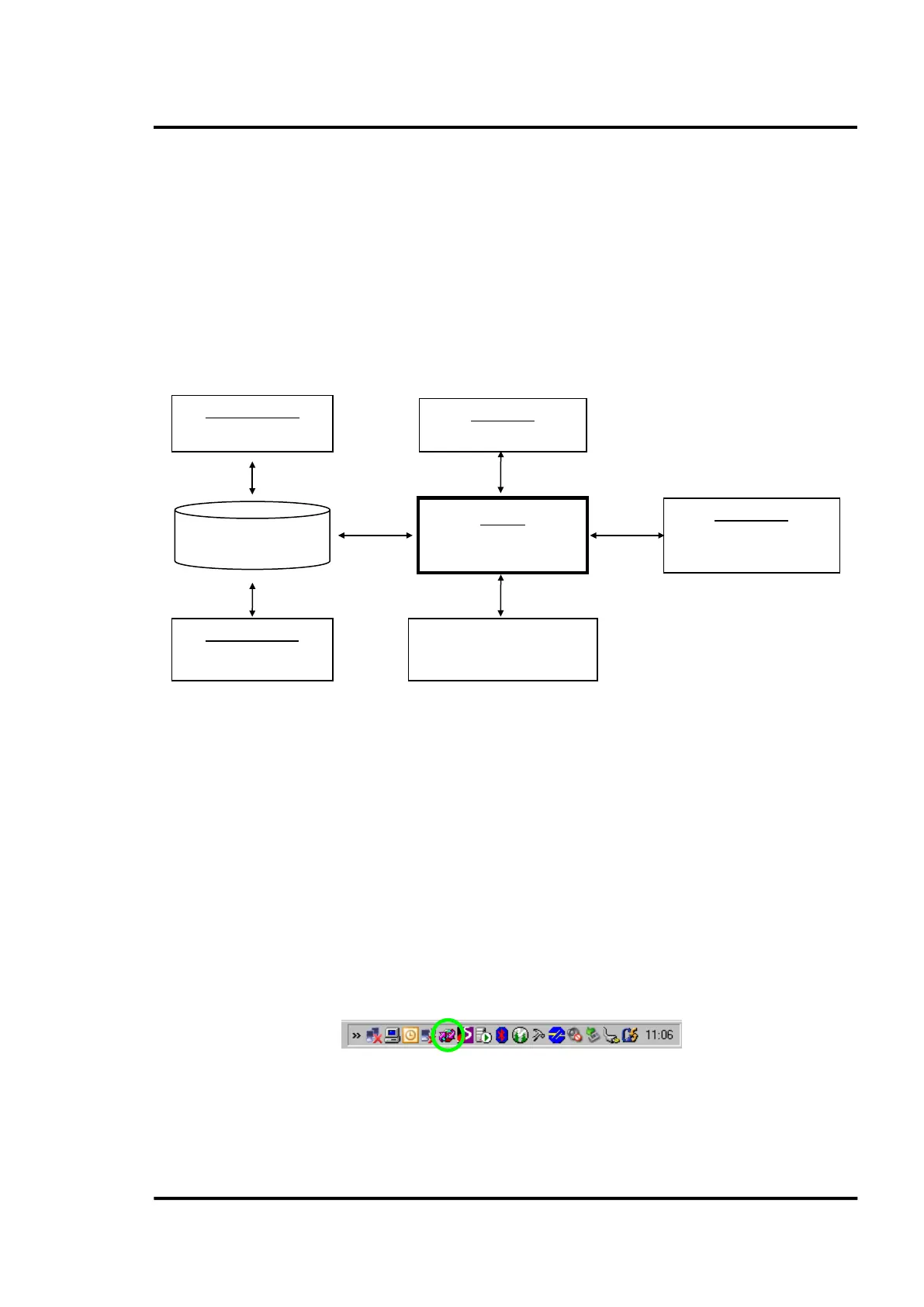
The system is designed in a client-server structure. That is, ReadScan works as the server while Deneb
works as the client.
Therefore, ReadScan runs the main system tasks, such as communicating with the communication
devices (scanner, pyrometers), interpreting the incoming information, and interfacing with the digital
output modules. Its other important task is serving the Deneb’s clients.
Deneb’s clients are, in essence, ‘voyeurs’ of the system. Their main duties are displaying the physical
state of the different system devices, as well as recovering historical data from the system.
Furthermore, they permit the user to control the events (alarms and errors) that can show up in the
system.
Figure 52: Principal Software Structure
7.1 ReadScan
Launching:
In accordance to the pre-settings in the installation (see Figure 13, page 27), ReadScan will appear
automatically when your computer is started. Otherwise, to run ReadScan you must click on its icon,
located in the program group CS.
Closing:
There are two reasons to close ReadScan: 1) reinstalling or updating the CS software and 2) freeing an
occupied COM/Ethernet port for use by another scanning software. Be aware that ReadScan does not
close by clicking on the windows <Exit> button – The Close button removes the CS Readscan screen
from the desktop, but does NOT stop the service! To close CS Readscan, right-click on the small
Readscan icon on the tray and select the menu entry <Close>!
Figure 53: Closing of ReadScan via the task bar
(Konfiguration)
(Database Config.)
ReadScan
(Visualisation, Real Time
and History View
)
SQL Database



 To Next Page