Auxiliary Software
CS210 Rev. B4 Feb 2015 95
11. Auxiliary Software
The CS software package contains several auxiliary software applications designed to ease installation
and maintenance. The programmes explained in this section don’t have shortcut icons on the desktop
or in the initialization menu. Therefore they reside in the program folder.
11.1 Managing the CS Database with DBCheck
Using DBCheck to manage the CS database, the user will be able to migrate from existing CS100
databases, import and export configurations, and create backup copies.
11.1.1 Starting the DBCheck application
The <DBCheck.exe> file can be found in the CS installation program folder. Double click to execute the
file.
11.1.2 Connecting to the database
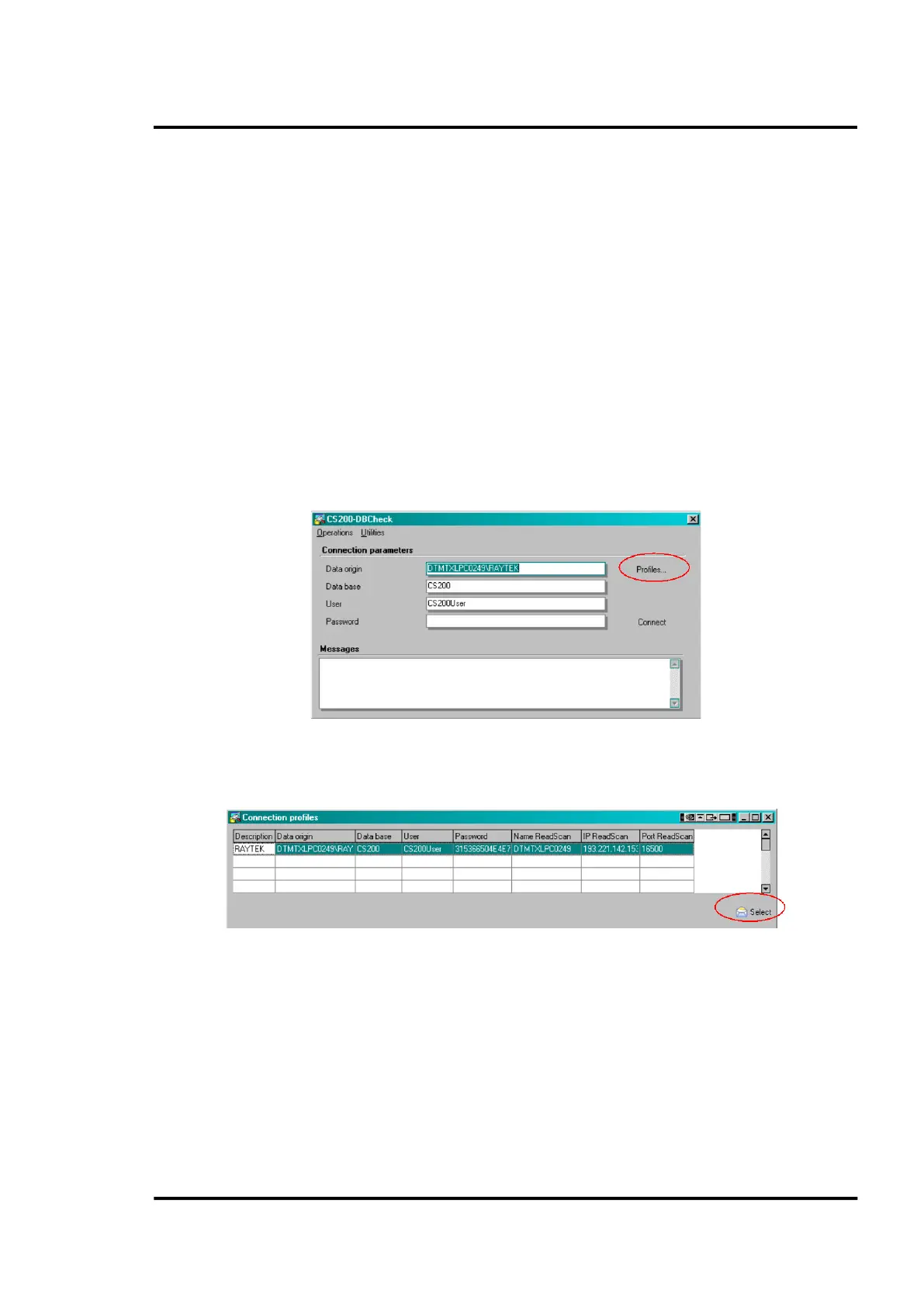
On the <DBCheck> main screen the user has to select an available profile to connect to the database.
Figure 92: <DBCheck> main screen
Click on <Profiles…>
Click on <Select>



 To Next Page