Auxiliary Software
104 Rev. B4 Feb 2015 CS210
The tabs at the bottom of the screen show the features of the different digital output modules, and
allow the user to conduct a performance check to confirm that they are working properly.
11.3.1.4 LRM
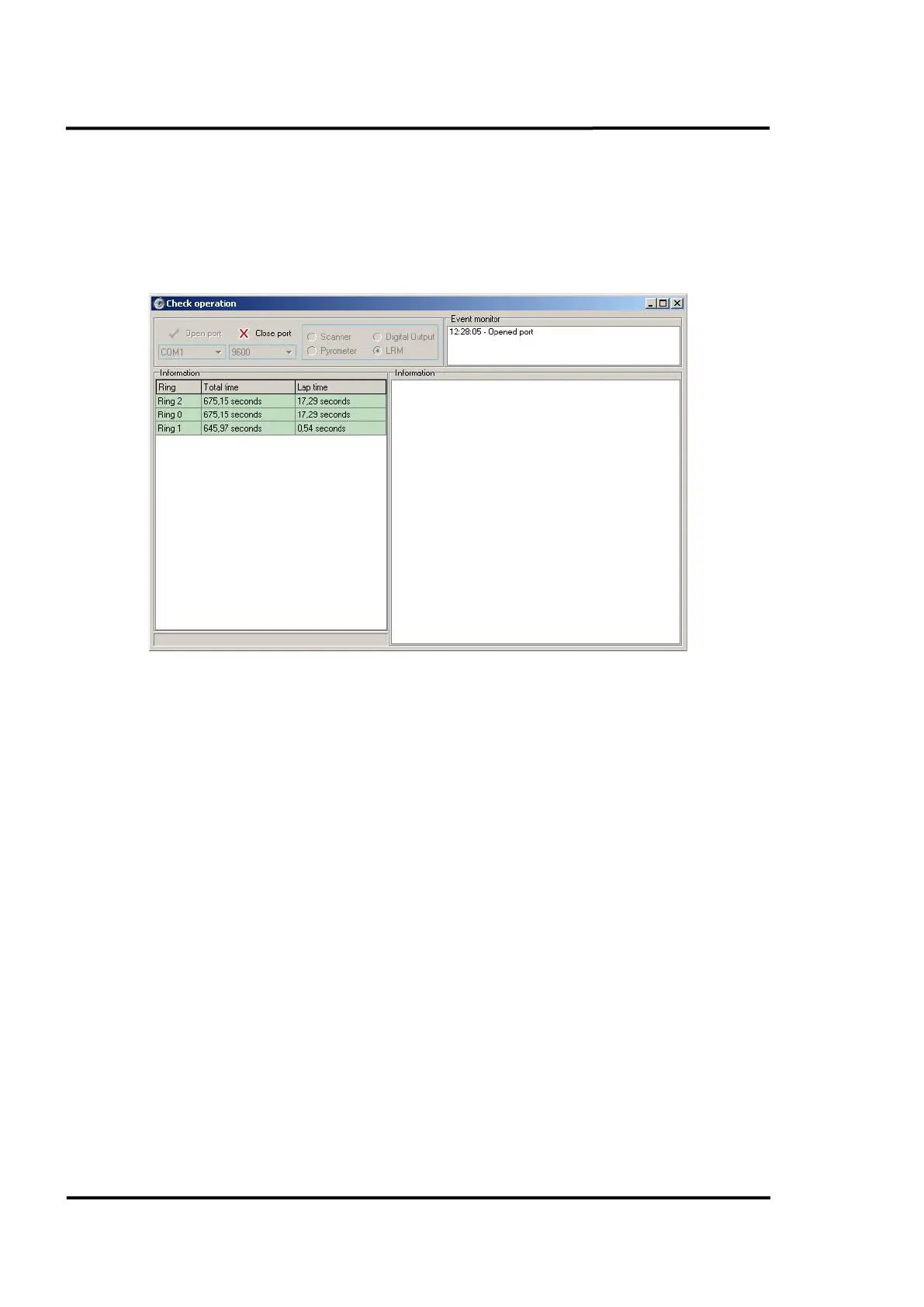
If the selected device is a <LRM> and its options have been correctly configured, the system will start
the connection with that device. Once connected, the information from each ring will begin to display
on the screen as soon as a kiln trigger actuates the proximity sensor.
Figure 99: LRM Screen



 To Next Page