Configuration
CS210 Rev. B4 Feb 2015 47
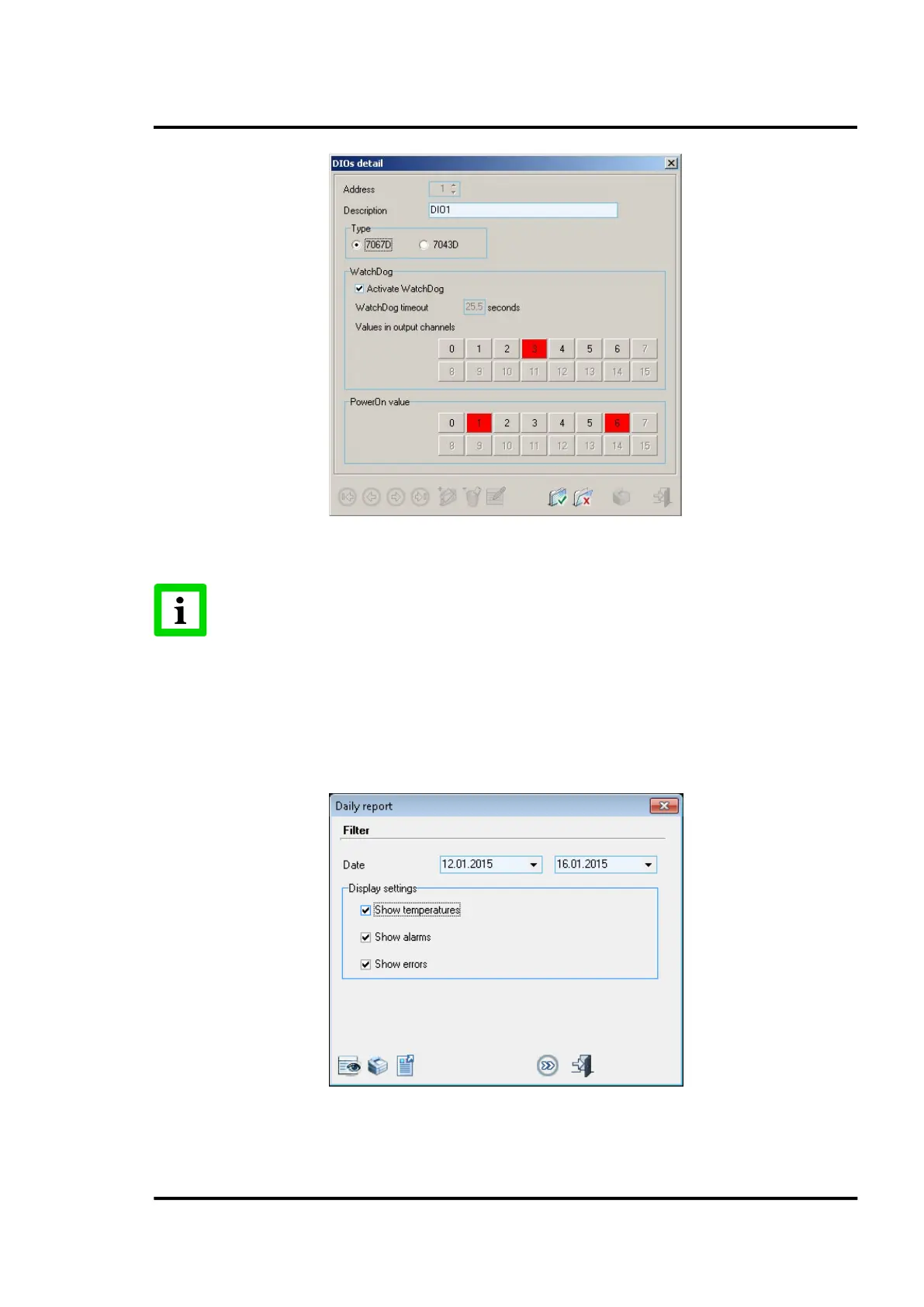
Figure 39: Digital Output Configuration detail
A digital output while assigned to an alarm cannot be deleted!
6.2.11 <Daily Report>
That menu opens a dialog to create a report for a certain time span containing the relevant system
information like zone temperatures, alarm events and error data. The output for the resulting report
can be a screen view, a printing machine, or a pdf file.
Figure 40: Daily Report



 To Next Page