Auxiliary Software
CS210 Rev. B4 Feb 2015 97
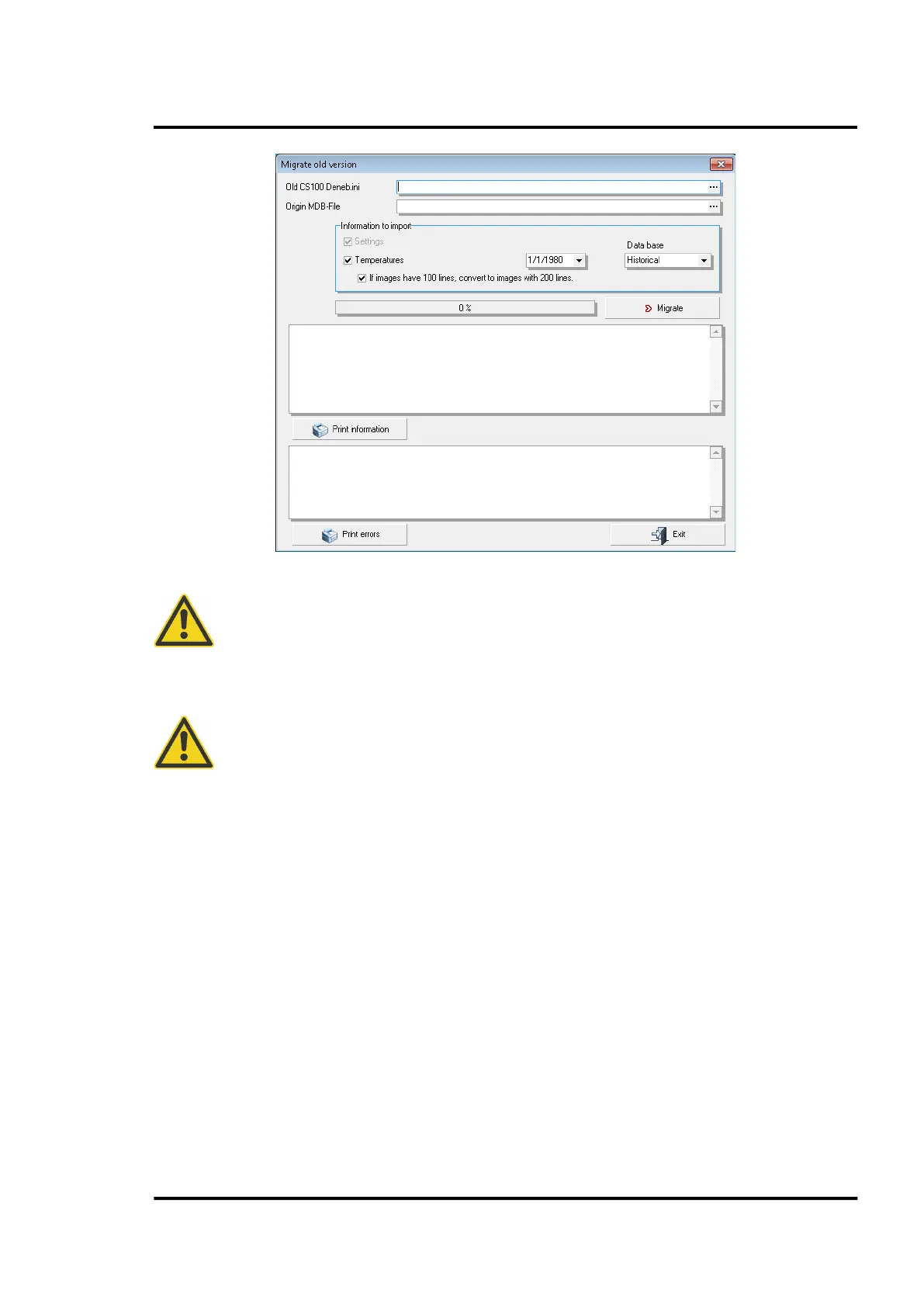
CS210 has many features that did not exist in CS100 and therefore parameters for these
functions will not be migrated. Further, the system physical configuration may have
changed sinc
e the original installation. Therefore we strongly recommend that you
verify all parameters using the CS Config utility!
It is strongly recommended to migrate old CS100 data from local drives only!
11.1.4 Import and export CS configurations
The CS database contains all thermal images saved over the lifetime of the system. As a consequence,
it will be very large files. In the case of service assistance, such big files are very difficult to send e.g.
via email. The <Import and export> function can be used to create a consolidated, small text file
containing the CS configuration parameters only but no thermal images.
Go to <Operations> and select <Import and export>. Fill the <File> edit box to address the file being
imported (Import) or fill the <Folder> edit box to give a path for the file being exported.
Click on either the <Import> or <Export> button respectively to complete the desired operation.



 To Next Page