Operation
58 Rev. B4 Feb 2015 CS210
7.1.1 <Control> Tab
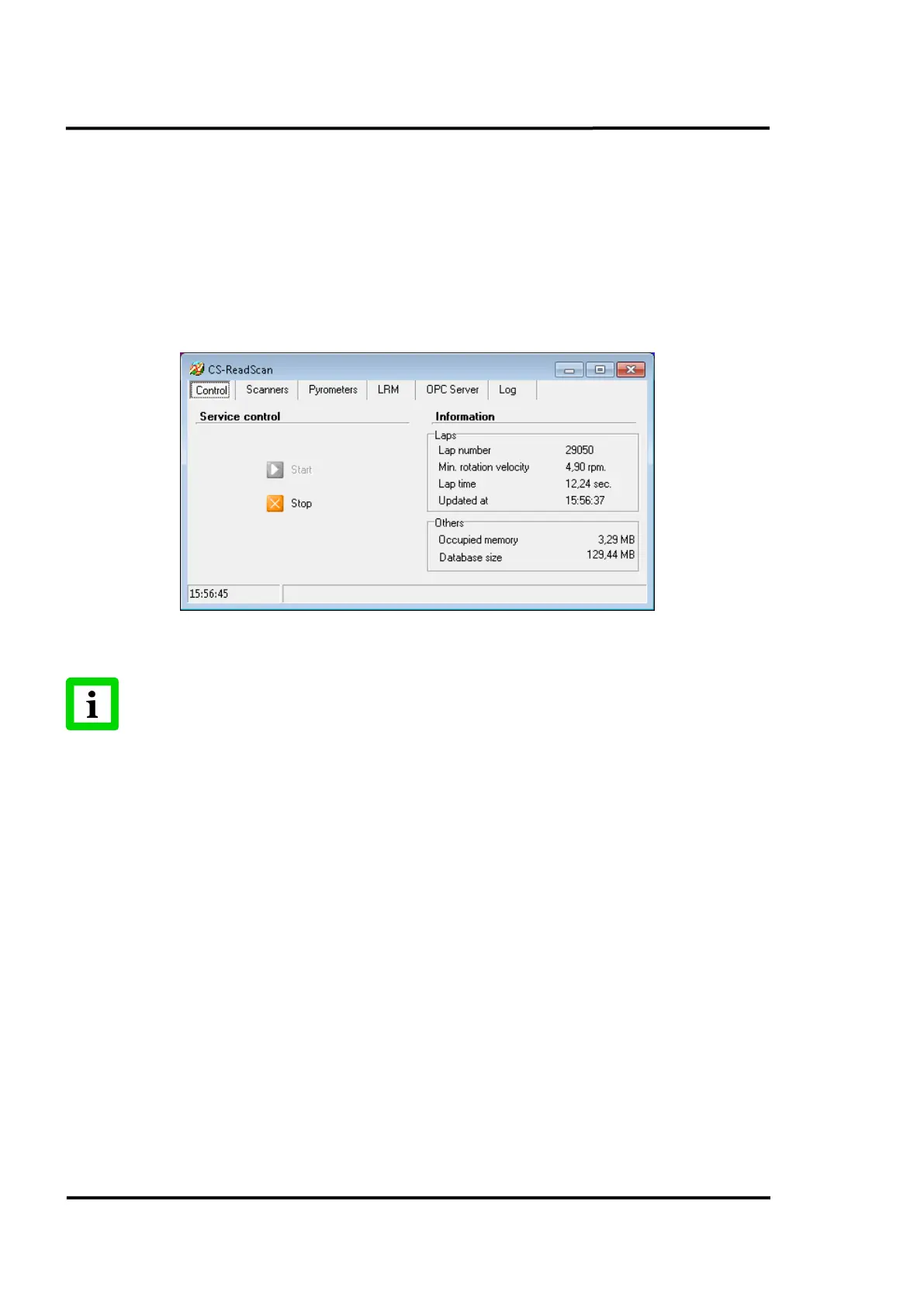
On this tab you will find the commands needed to start and stop the service without closing the
ReadScan application. This function is particularly useful when the user needs to restart ReadScan to
fully implement any changes set by CS Config.
It also shows the number of laps registered by the system from the service start up, the rotation
velocity, the time duration of the last lap, the exact time that the record was updated and the memory
occupied by the program. Except for the occupied memory, which is updated once per second, the rest
of the information refreshes after the completion of rotation of the kiln.
Figure 54: Main screen: <Control> Tab
Remember that to ensure that changes are acknowledged, ReadScan has to be restarted
each time configuration changes are made!
Running the software without having a valid license installed (e.g. for demonstration purposes) sets
the software to the unregistered mode with the following restrictions:
• A maximum of 10 images can be stored in the database.
• The thermal image shows 10% of the lines without temperature data.
7.1.2 <Scanners> Tab
This tab shows information on the scanners configured to work with the system.
In normal circumstances, the information shown becomes updated at the end of each kiln rotation. If
communication is interrupted the information will be updated as soon as detection takes place.



 To Next Page