Configuration
CS210 Rev. B4 Feb 2015 53
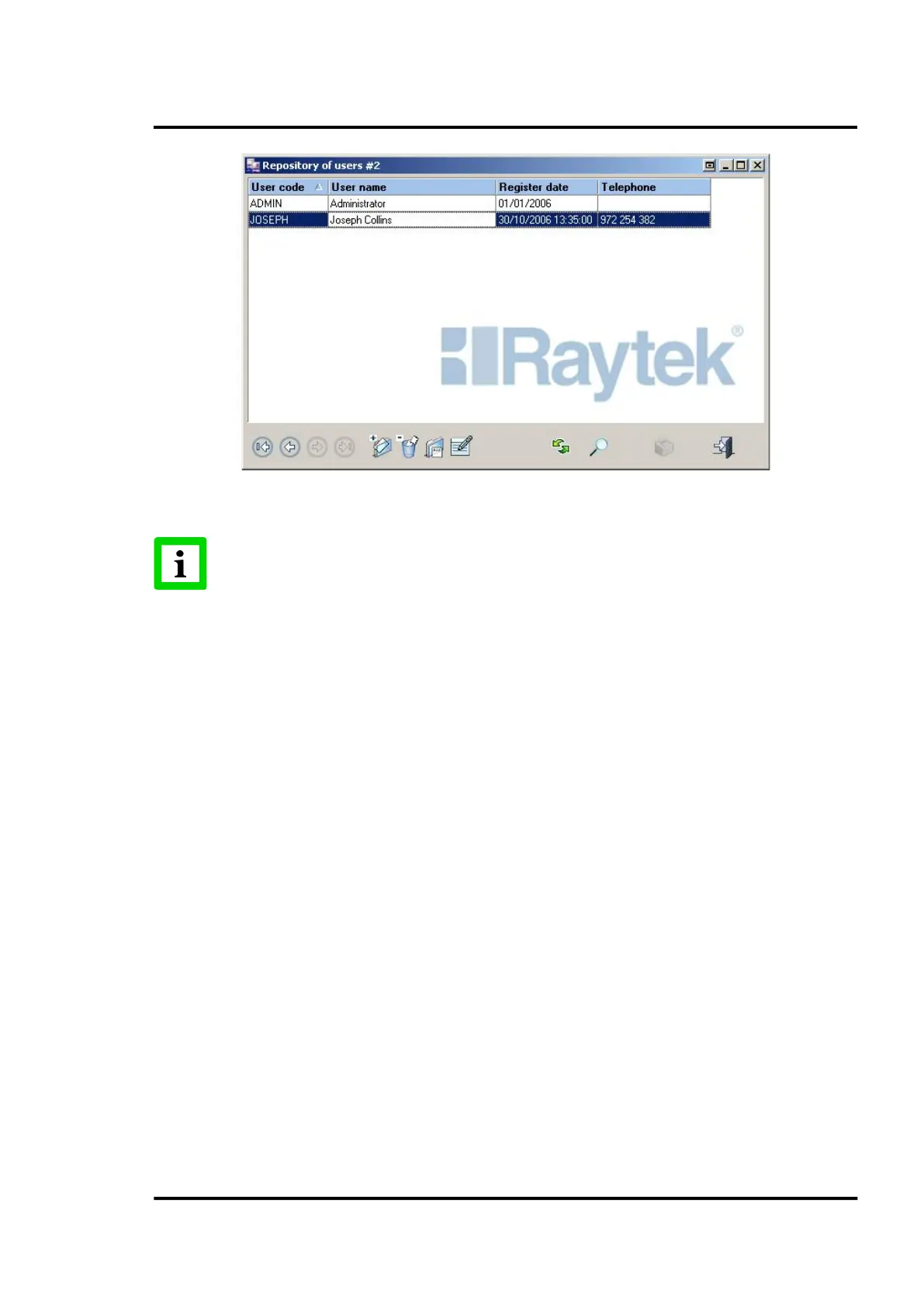
Figure 47: Repository of users
The user ADMIN cannot be deleted under any circumstance!
6.2.14.2 User’s detail
Clicking on the user name will open the detail screen that will display detailed information for each
user that the system has registered. There are the main tabs <General>, <Permission>, and <Others>.
6.2.14.2.1 <General> Tab
This tab contains personal information, such as name and password, e-mail address, telephone
number, cell phone and fax.



 To Next Page