Configuration
CS210 Rev. B4 Feb 2015 41
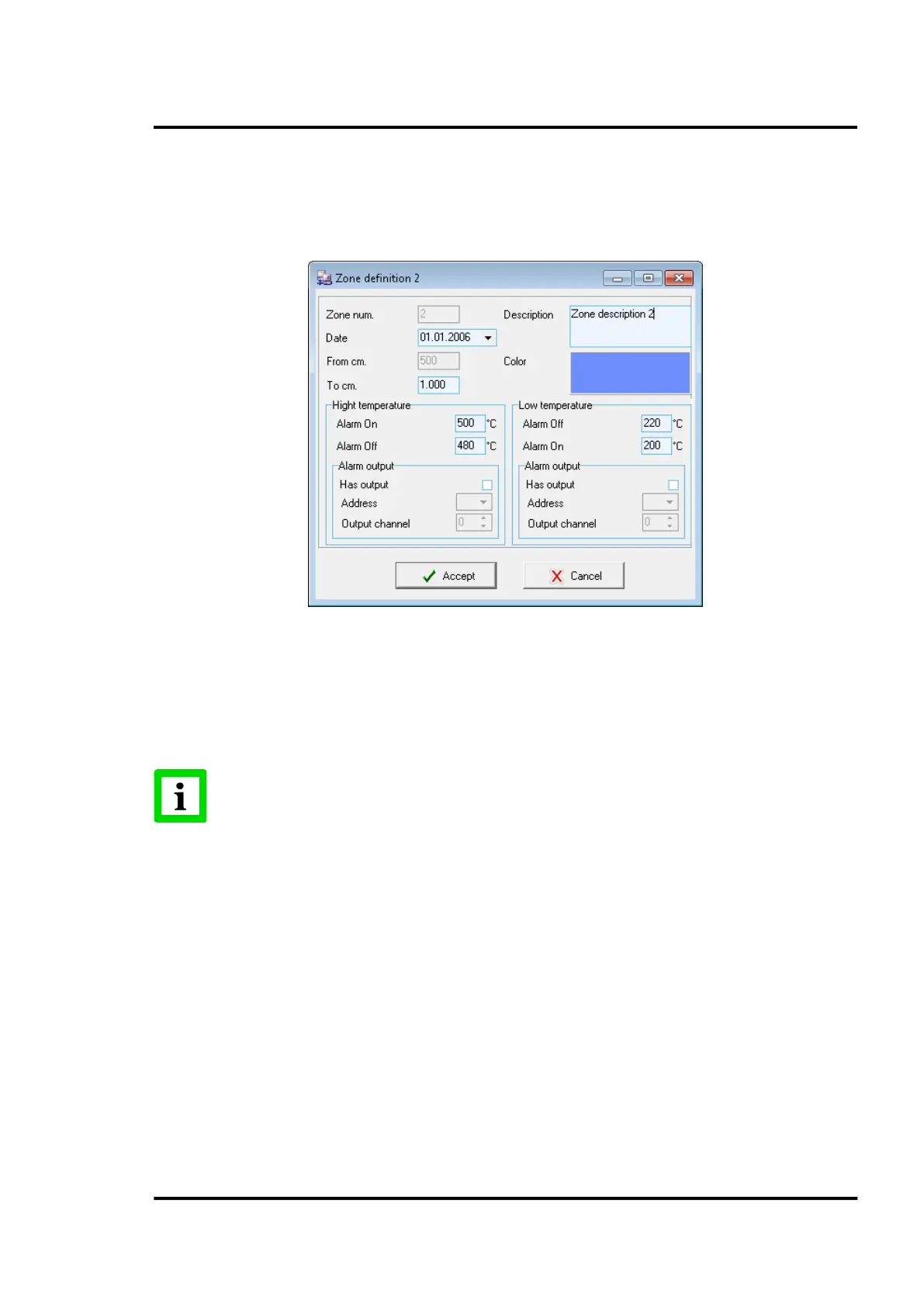
6.2.6.3 Alarm zone definition
This screen defines the beginning and the end of the zone, as well as the higher and lower alarm limits
and a possible digital output in case of alarm. Also provided is additional information such as
installation date, a description field and the display colour.
Figure 31: Pyrometer device definition
6.2.7 <Refractory>
In the following sections, you will find the description for configuring the <Refractory>. The
<Refractory> comes as standard with the CS software package and provides a basic approach to
handle the refractory configuration of a kiln.
A much more advanced accessory tool is provided with the Refractory Management.
See section 11.4 Refractory Management, page 105.
6.2.7.1 Repository of refractory configuration
Several different refractory configurations can be established and displayed via this menu option.
Obviously, just one of them is the actual active configuration selectable by the <Set active> button.
The buttons along the lower toolbar are used to create new configurations, and also to edit or delete
existing ones.



 To Next Page