Configuration
50 Rev. B4 Feb 2015 CS210
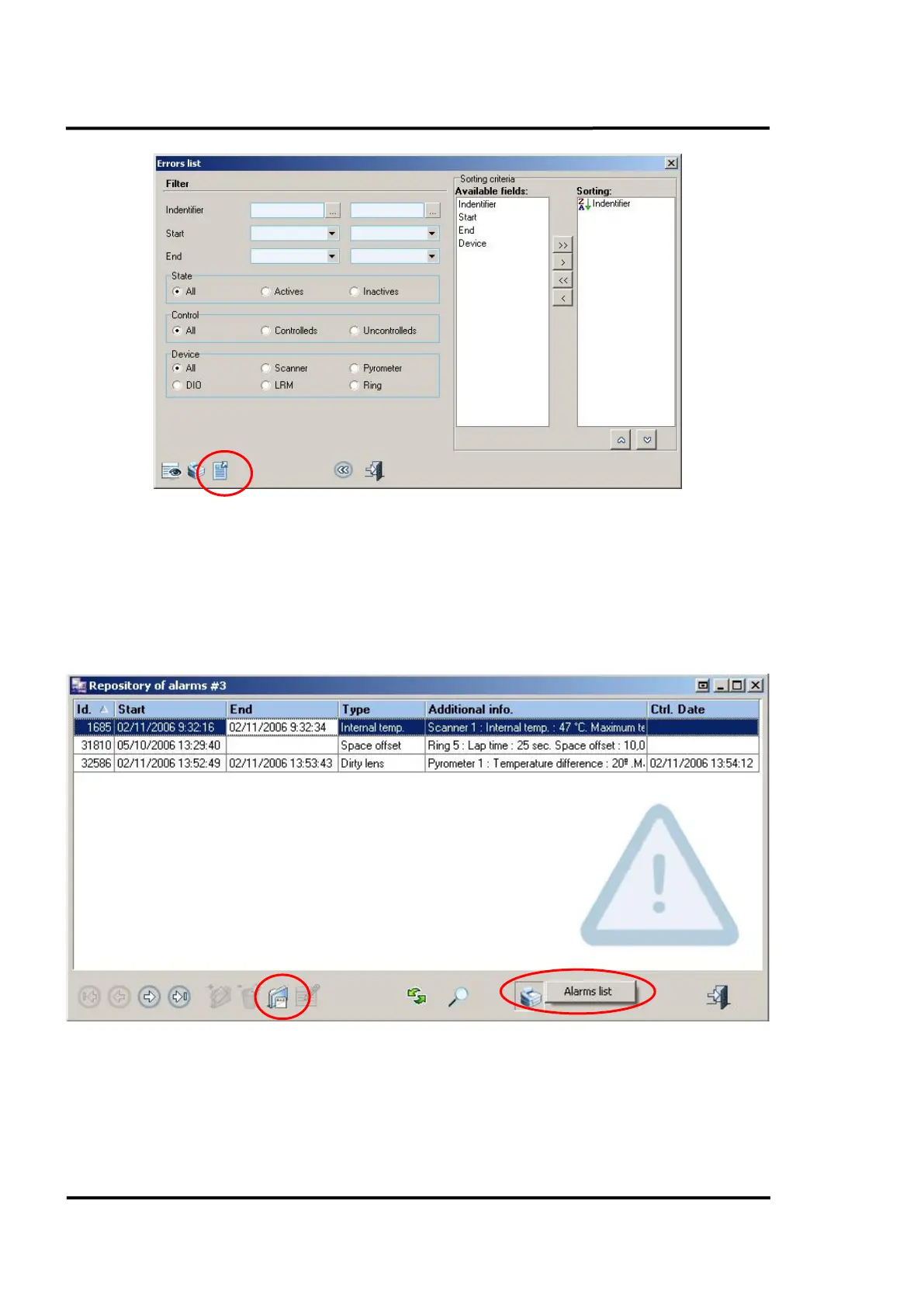
Figure 43: Error list
6.2.13 <Management of Alarms>
6.2.13.1 Repository of alarms
This shows the alarms registered in the system. From this screen, we can display all the alarm details.
Similar detail can be displayed by clicking on <Alarms list>, which appears as a pop-up menu when
the user clicks on the printer icon.
Figure 44: Repository of alarms



 To Next Page