Operation
66 Rev. B4 Feb 2015 CS210
7.2.3 <Main> <Historic time> <Long term>
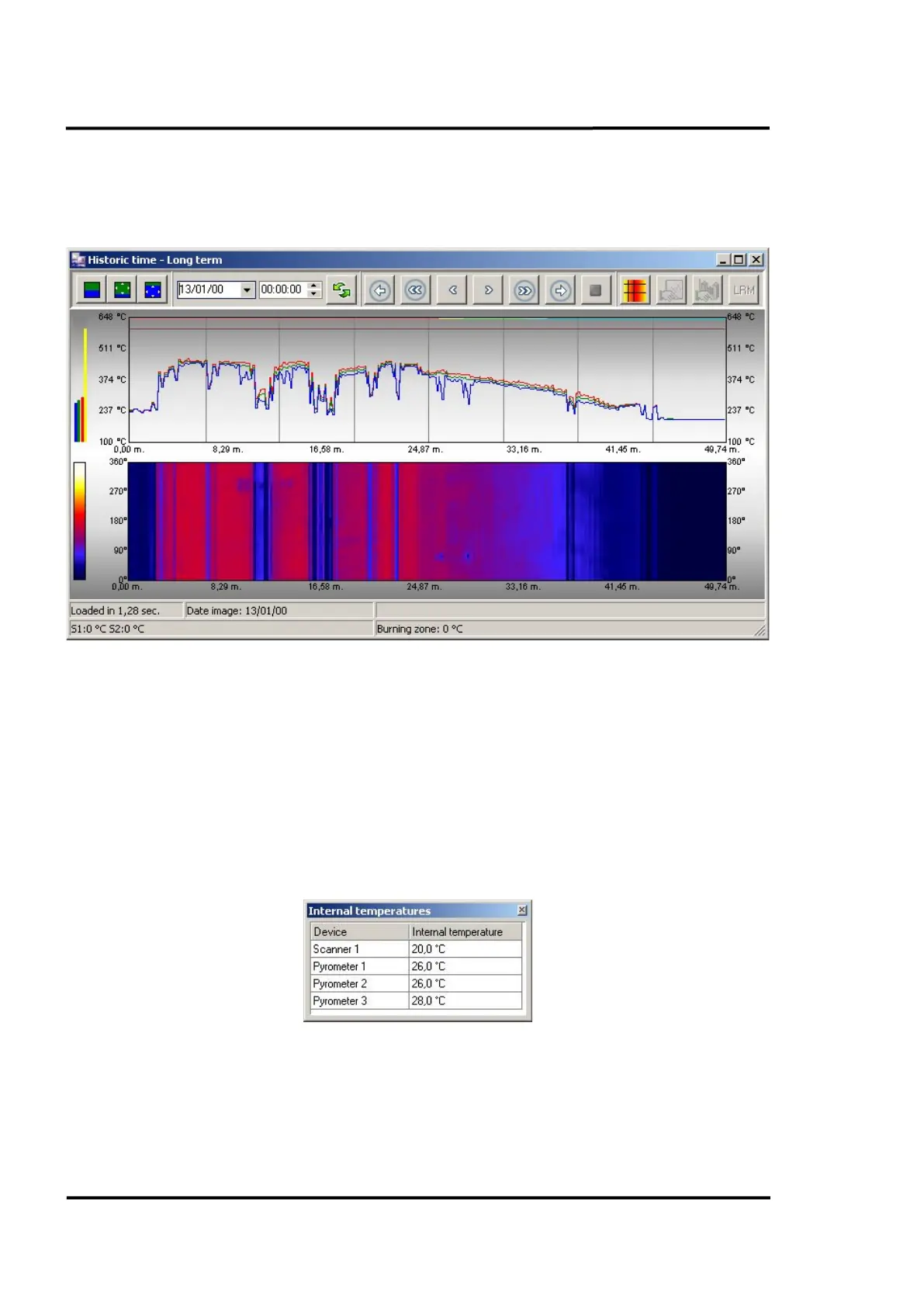
This screen is very similar to the short-term screen described above with the main exception being that
the images in this case correspond to the long-term period based on days.
Figure 64: Long term - Historic time screen in zoom mode
7.2.4 <Main> <Reference image>
This item is active once the user has defined one image as a reference image. To mark an image as a
reference image, you have to launch the context menu <Set as reference> in the <Real Time> view, see
section 7.2.1 <Main> <Real time>, page 61. Alternatively, you can define a reference image also via the
historical view. One image only can be set to the reference image.
7.2.5 <Secondary> <Internal temperatures>
This screen shows the internal temperature of scanners and pyrometers. The data is recorded at the
point of completion of the lap currently being displayed. It will be refreshed after each kiln lap.
Figure 65: Internal temperatures screen



 To Next Page